Getting Started
Set up your account and make your first model.
- Creating Your Account
- Platform Overview
- Dashboard Walkthrough
- Your First AI 3D Generation
- Managing Your Projects
Tutorials
Start with your first text prompt, or skip ahead to editing meshes in 3D Studio and calling the Developer API. Each lesson covers a single task, and the featured ones take 10 to 30 minutes.

Create Your First AI 3D Model
Five tracks of five lessons each. Start at the top or jump to the one you need.
Set up your account and make your first model.
Learn how to create 3D assets using AI.
Edit meshes and materials, then optimize and export.
Build applications with Outbaksho APIs.
Write better prompts and organize projects.
See all 25 lessons across the five tracks.

Write a text prompt, then download the 3D model Outbaksho generates from it.
Start Tutorial
Upload a single image, turn it into an editable 3D model and export it for your project.
Start Tutorial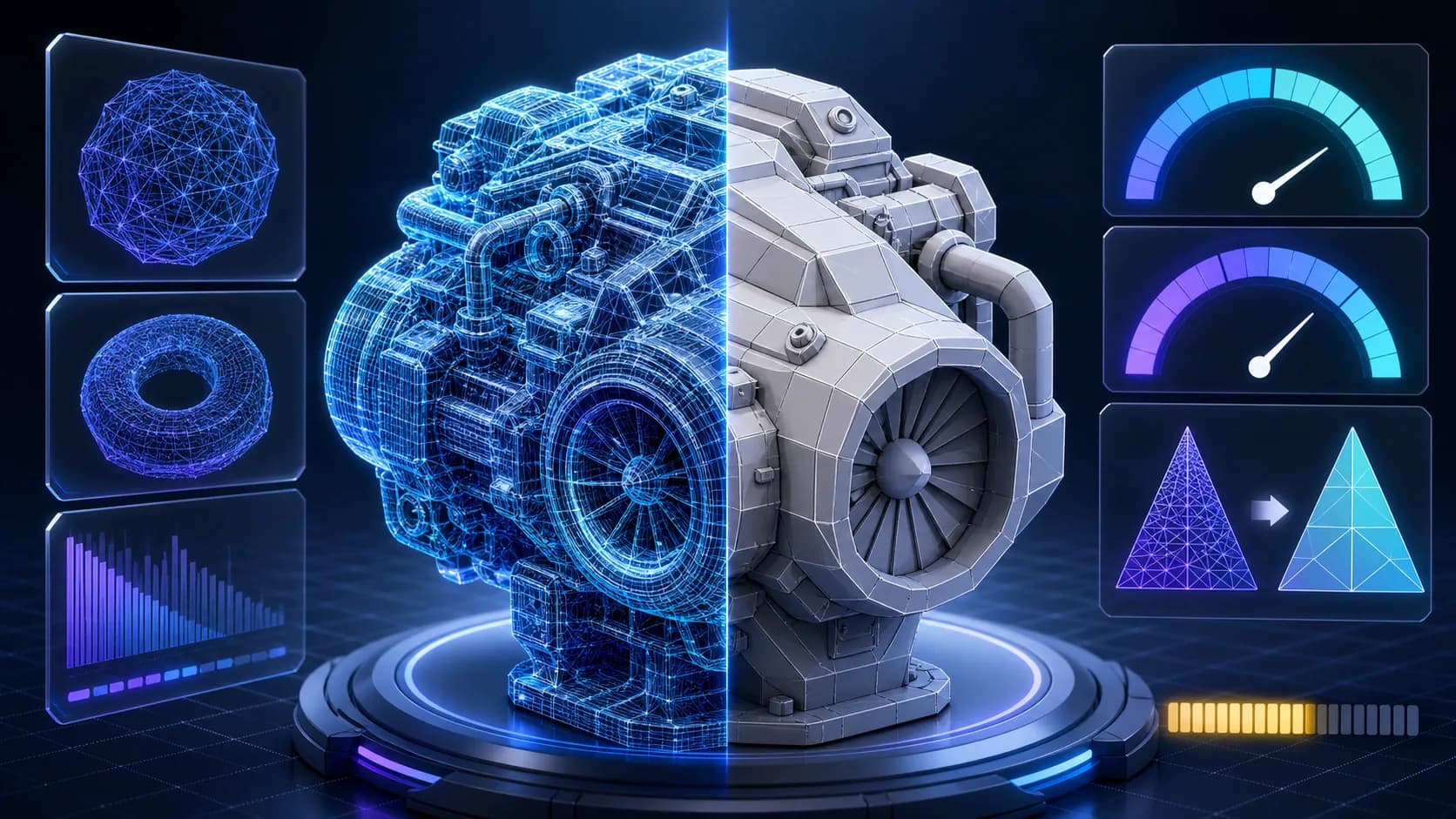
Cut the polygon count and clean up the mesh so the model runs in a game engine or AR viewer.
Start Tutorial
Get an API key and send your first generation request to the Outbaksho Developer API.
Start TutorialSign up and set up your Outbaksho workspace in under a minute.
Turn text prompts and images into your first 3D models.
Clean up the mesh and apply materials so the asset is ready to export.
Download the file you need, or automate generation with the Developer API.
Chain the earlier steps into one pipeline you can rerun for every new asset.
Provide information about shape, size, materials, colors, and intended use.
Clear reference images produce more accurate 3D models.
Review mesh quality, textures, and materials before downloading.
Select the export format that best matches your software or production pipeline.
Short, practical guides, written for people who would rather be making models than reading about them.
BeginnersGame developers3D artistsArchitects