Text-to-3D
Turn Text Prompts into 3D Models with AI
Describe an object or scene in plain language and get a 3D model of it in minutes. It handles product designs, game assets, architecture and industrial parts.
"A futuristic electric motorcycle, aerodynamic curves, carbon fiber body, blue LED lighting"
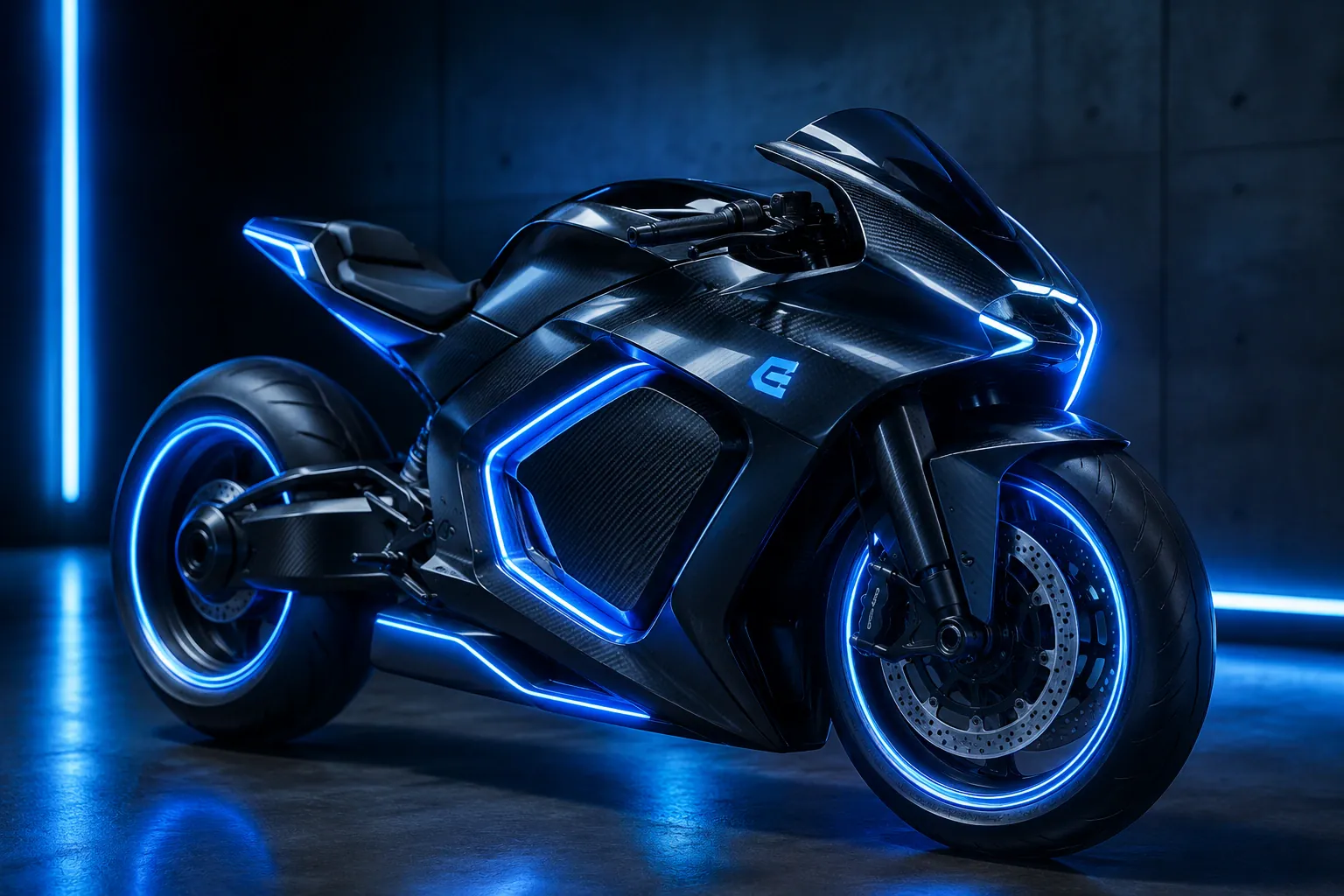
Your words, rendered in 3D
Outbaksho's Text-to-3D builds a 3D model from a written description. Enter a prompt and pick a style and quality level. The mesh can go into 3D Studio for edits or straight to export.
See how it works
Ready in minutes
From prompt to mesh in a coffee break
Editable geometry
Clean topology you can keep refining
AI materials
PBR textures generated automatically
7 export formats
GLB, FBX, OBJ, USDZ and more
How a prompt becomes a 3D model
You start with a single sentence, and none of the four steps needs modeling experience.
- 1
Describe Your Idea
Enter a detailed text prompt describing the object or scene you want to create.
- 2
AI Generates the Model
Outbaksho reads your prompt and builds a 3D mesh with matching materials.
- 3
Refine in 3D Studio
Adjust materials, textures, scale, lighting, and mesh quality using the integrated 3D Studio.
- 4
Export
Download the model as GLB, GLTF, FBX, OBJ, STL, USD or USDZ.
"A futuristic electric motorcycle with aerodynamic curves, carbon fiber body, blue LED lighting, and premium alloy wheels."
Name the shape, material, color and style, as this example does.
Try this promptWhat's in the generator
Plain-Language Prompts
Generate 3D assets from simple or highly detailed text prompts.
Multiple Design Styles
Create realistic, stylized, low-poly, or concept models based on your project needs.
Clean Mesh Generation
The mesh comes out clean enough to render as it is, or to keep refining.
AI Material Suggestions
Automatically apply materials and surface properties that match your prompt.
Fast Generation
One prompt is enough for a first model you can start refining.
Production-Ready Output
Use the models for games, visualization, simulation, manufacturing or media.
Create different types of 3D assets
Generate products, characters, vehicles and full architectural scenes from a written prompt.
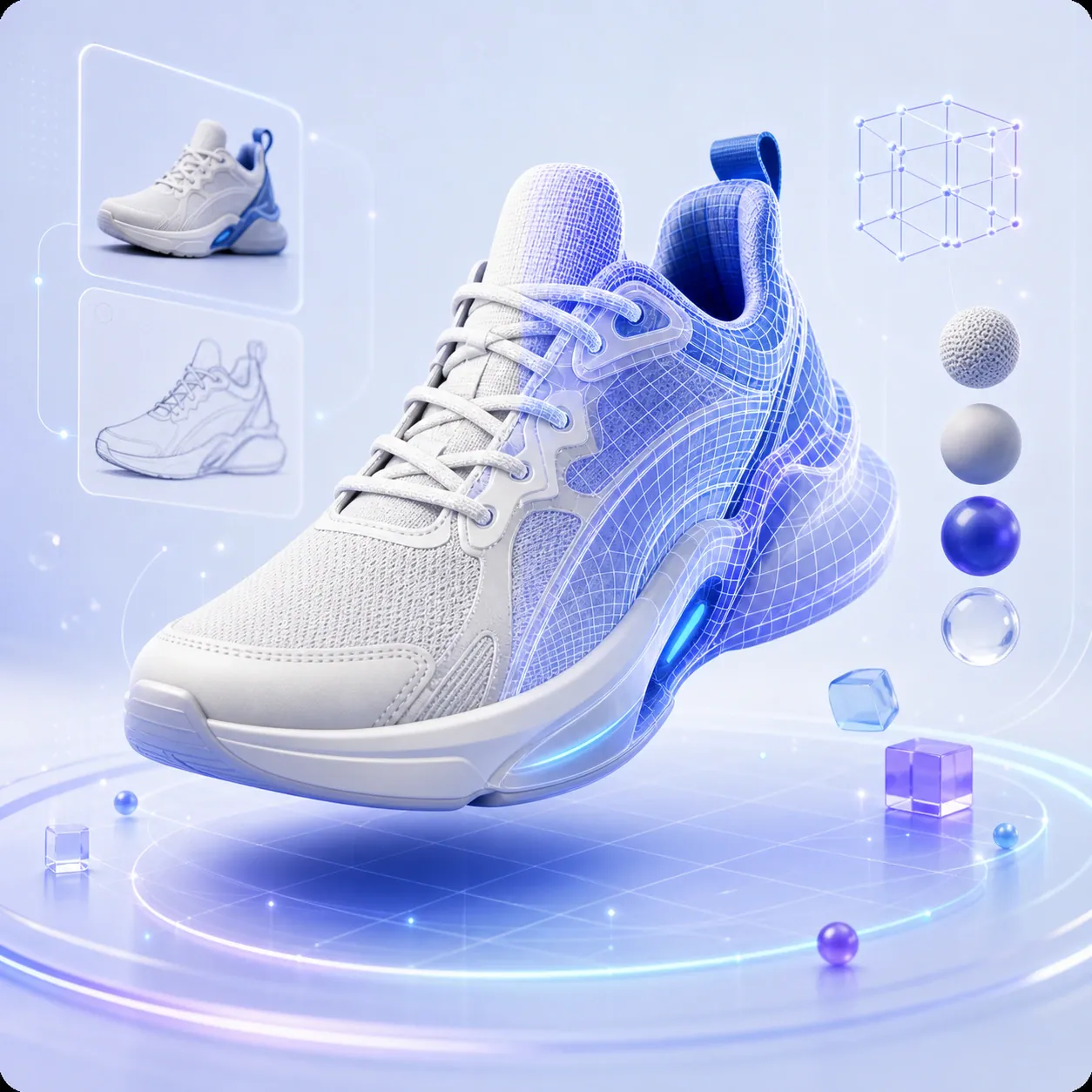
Product Designs
Consumer electronics, furniture, tools, appliances, and industrial products.
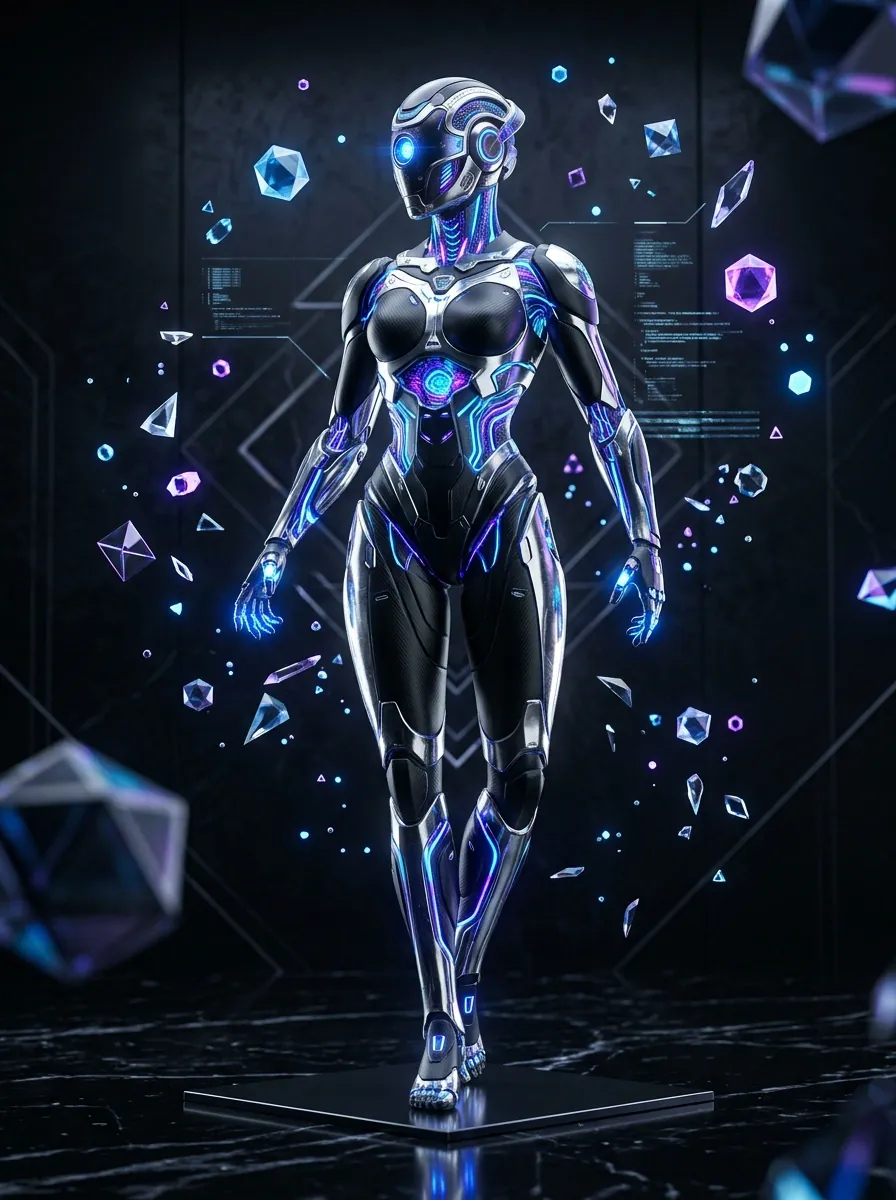
Characters
Realistic and stylized characters for games, animation, and AR/VR.
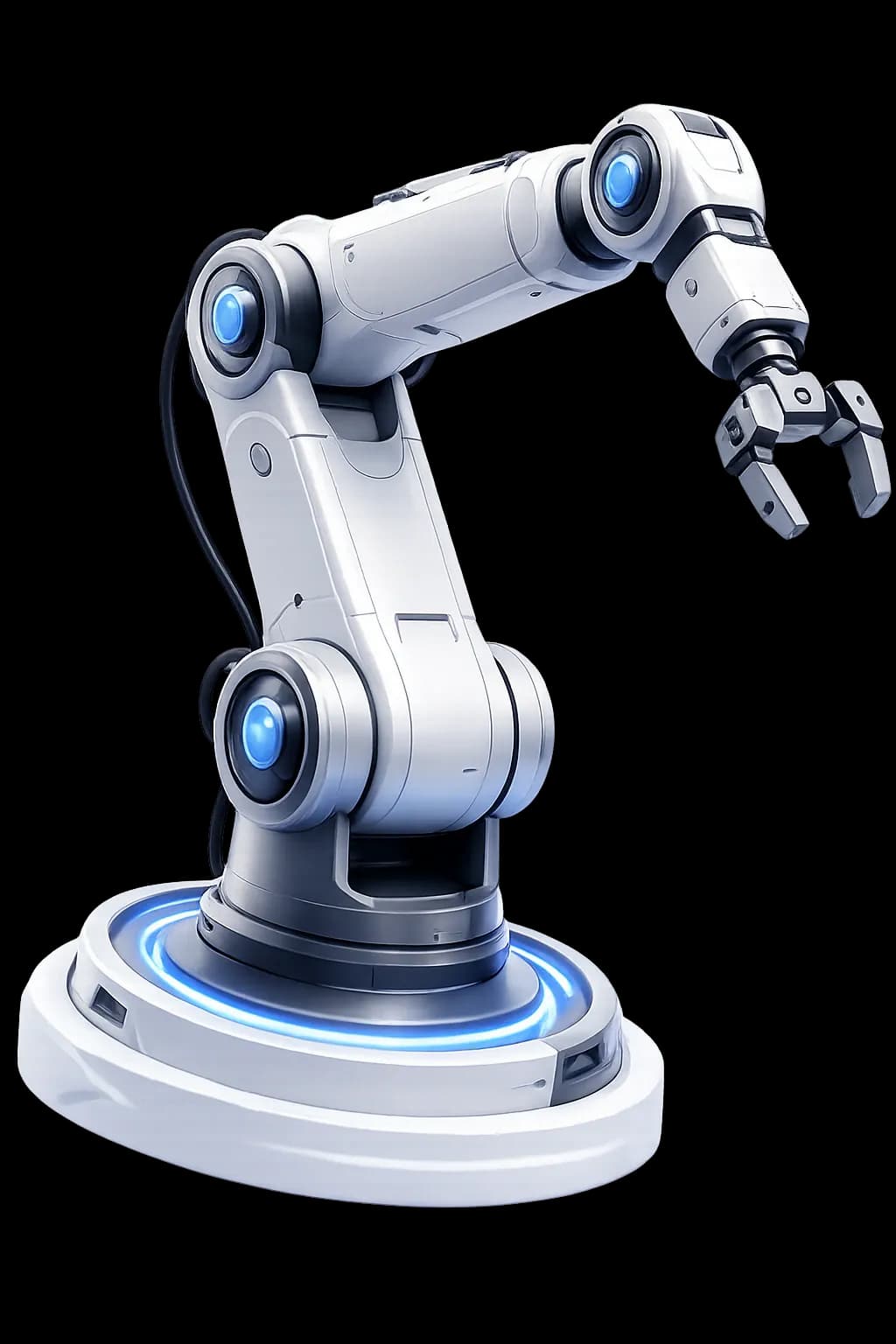
Vehicles
Cars, motorcycles, aircraft, drones, construction equipment, and more.
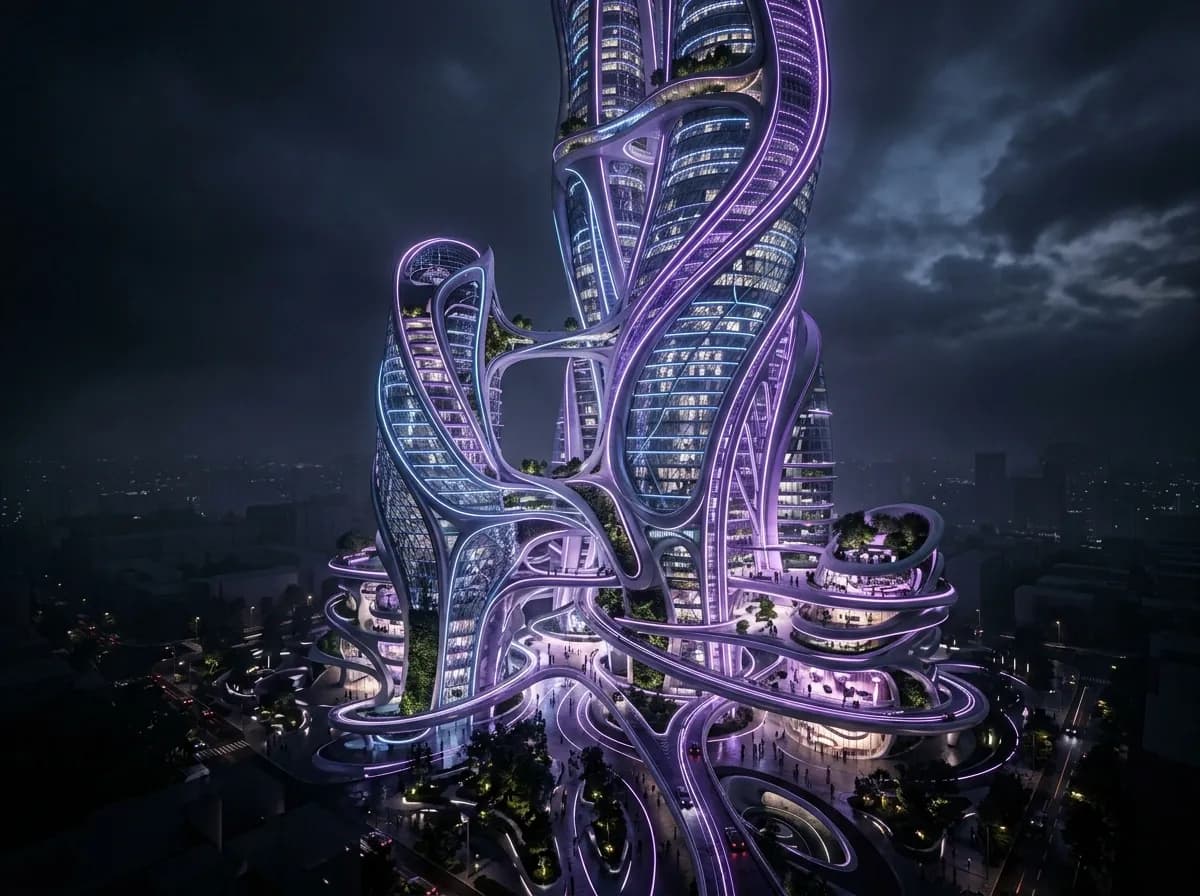
Architecture
Buildings, interiors, landscapes, urban structures, and conceptual designs.
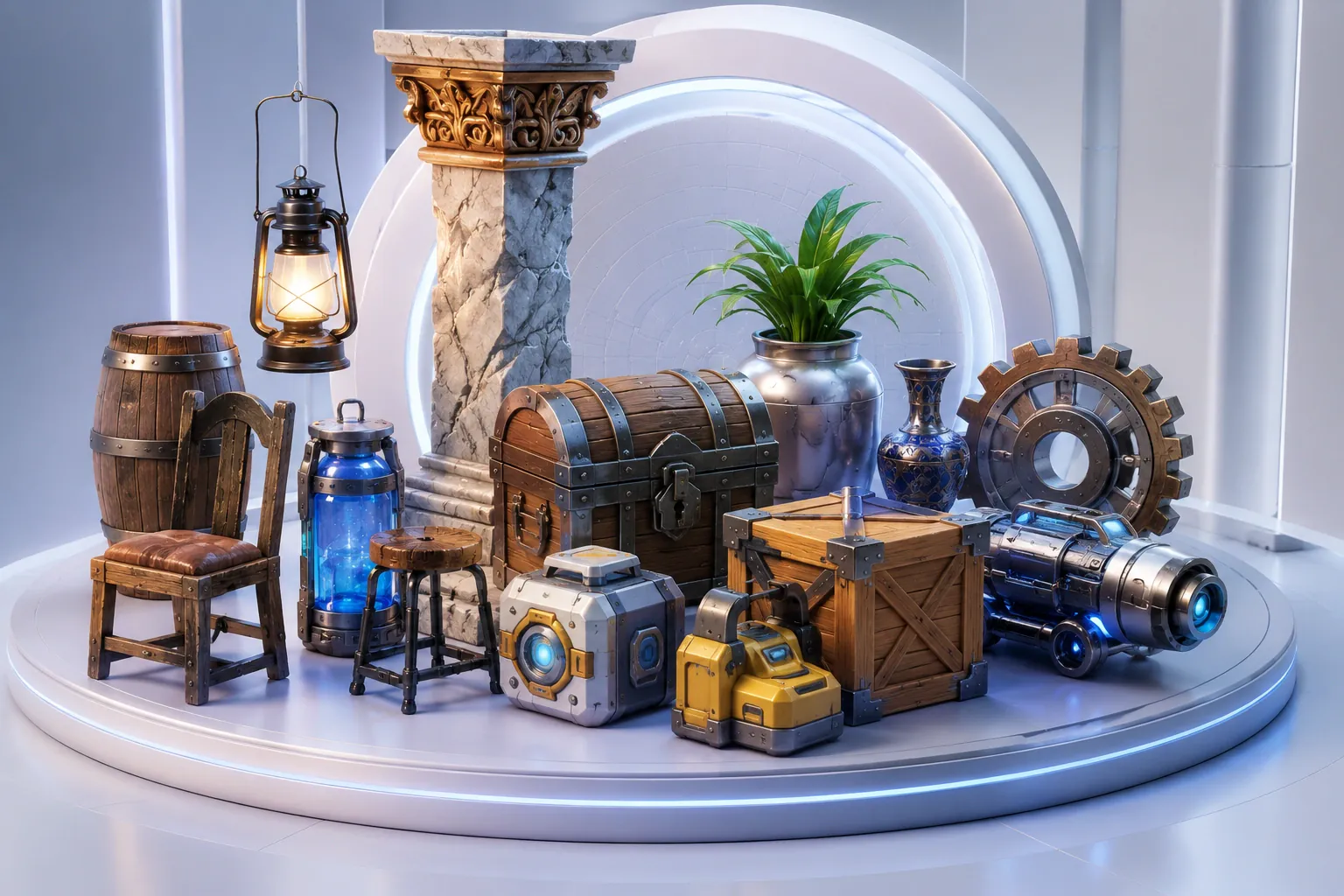
Game Assets
Weapons, props, environment objects, collectibles, and interactive elements.
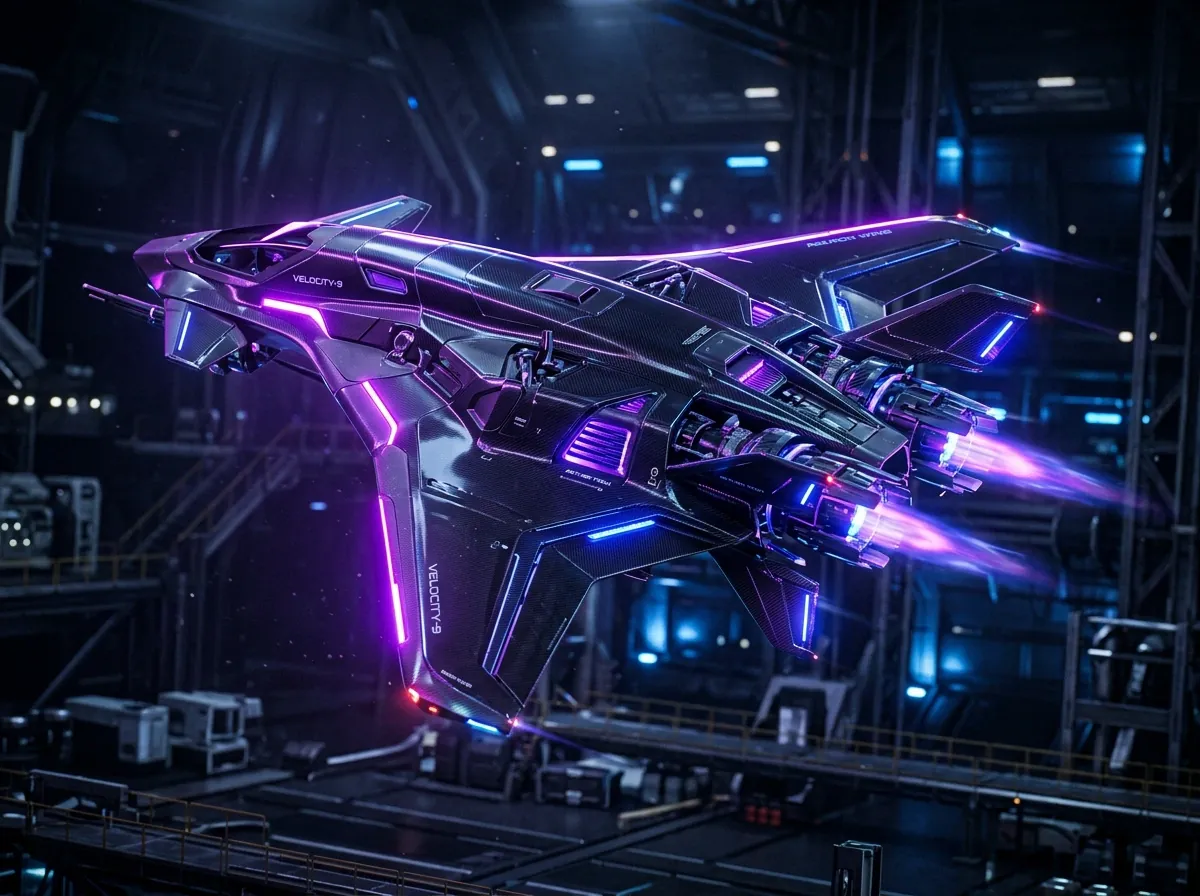
Industrial Components
Mechanical parts, engineering concepts, factory equipment, and prototypes.
Choose how your model is generated
Set quality, style, scale and materials. Every format you can export to is listed below.
Why use Text-to-3D
Save Time
Complex objects no longer take hours of manual modeling.
Try More Versions
Change a word in the prompt, generate again and compare the results.
Consistent Quality
Keep the same quality and style settings across a project.
Easy Integration
Open the GLB or FBX in Unity, Unreal, Blender or Three.js.
Team Workspace
Work solo, or add up to 25 users on the Business plan.
Before you write a prompt
Detailed prompts with information about shape, materials, colors, style, and purpose generally produce better results.
Start Creating 3D Models from Text
Type what you need, preview it in the browser, and export it to Blender, Unity or Unreal.