AI 3D generator
Generate Editable 3D Models from Rough Ideas
Write a few words, or start from a picture or a quick sketch, and the generator turns it into a textured 3D model. Outbaksho exports it as FBX for Unreal or Maya, or as USDZ for AR on iOS.
Starter plan is free | Commercial license on paid plans

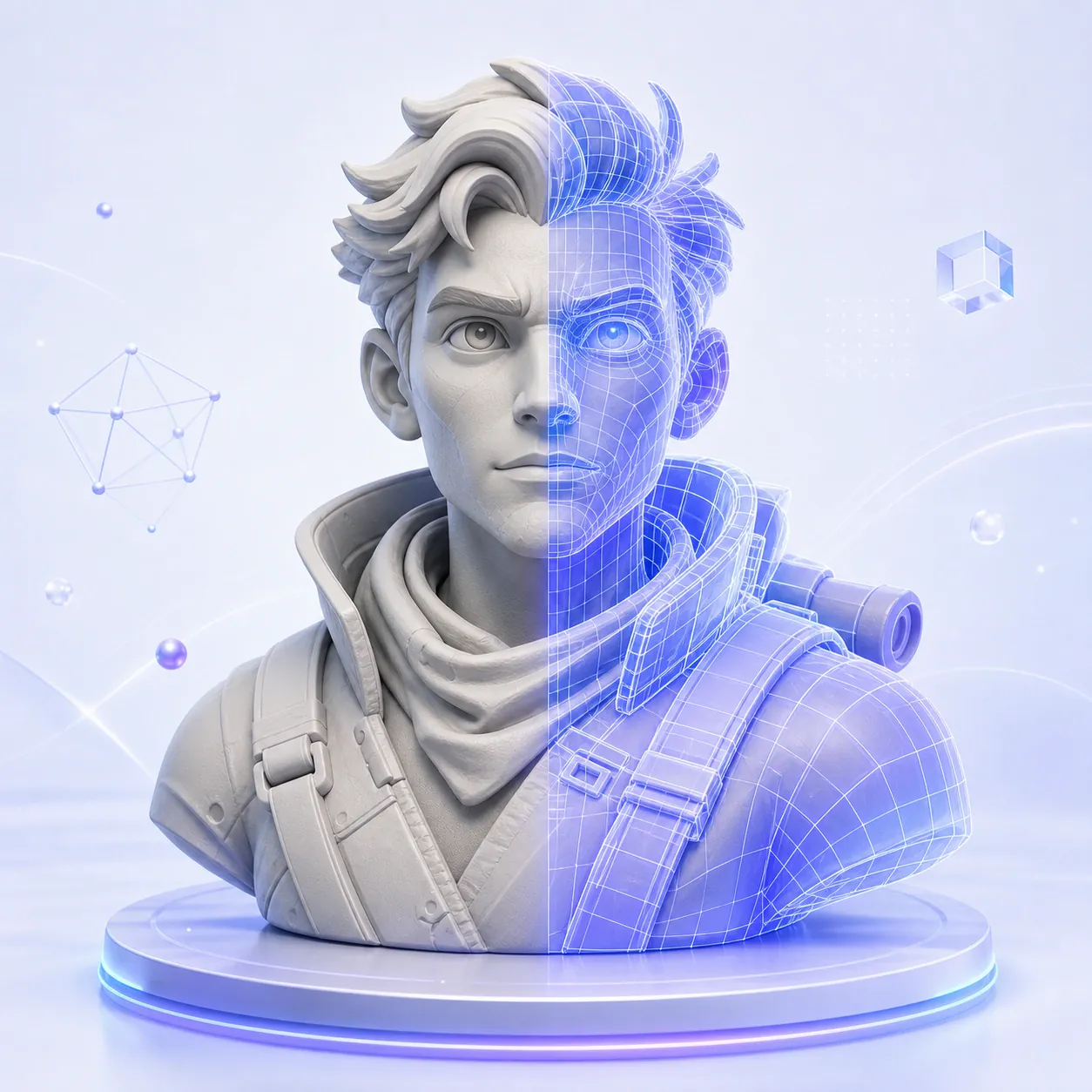
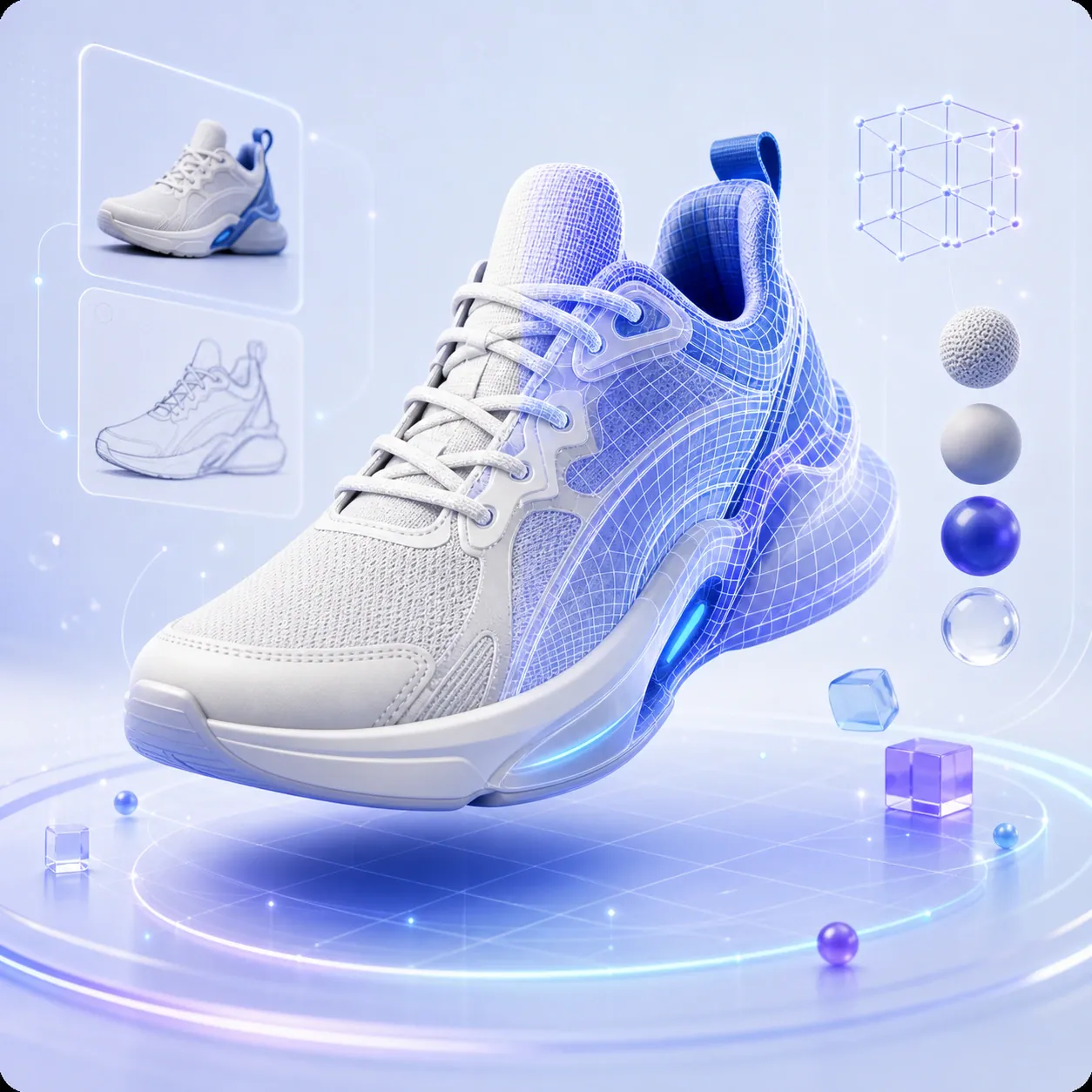
- AI Generated Mesh
- Quad Remeshed
- LOD Generation
- USDZ / GLTF Native
- Substance Compatible
- UV Unwrapped
How 3D Model Generation Works
Give the Outbaksho AI 3D Generator a written description, a reference image or a sketch, and it builds a 3D model in a few minutes. From there, refine the mesh or open it in the 3D software you already use.
The generator takes care of the slow early stage of modeling, when you would otherwise be building the base shape yourself.
- Minutes not hours
- PBR textures
- Fully editable

Three Ways to Create 3D Content
Use whichever input you have on hand. All three produce the same kind of editable mesh, so the choice only changes how you describe the model.
Text-to-3D
Describe your concept using natural language, and AI converts it into a detailed 3D model.
“A futuristic hover bike, chrome frame...”
- Natural Language Prompts
- Prompt Enhancement
- Multiple Design Styles
- Fast Generation
- High-Quality Geometry
Image-to-3D
Upload a product photo, concept art, or illustration to generate an editable 3D asset.
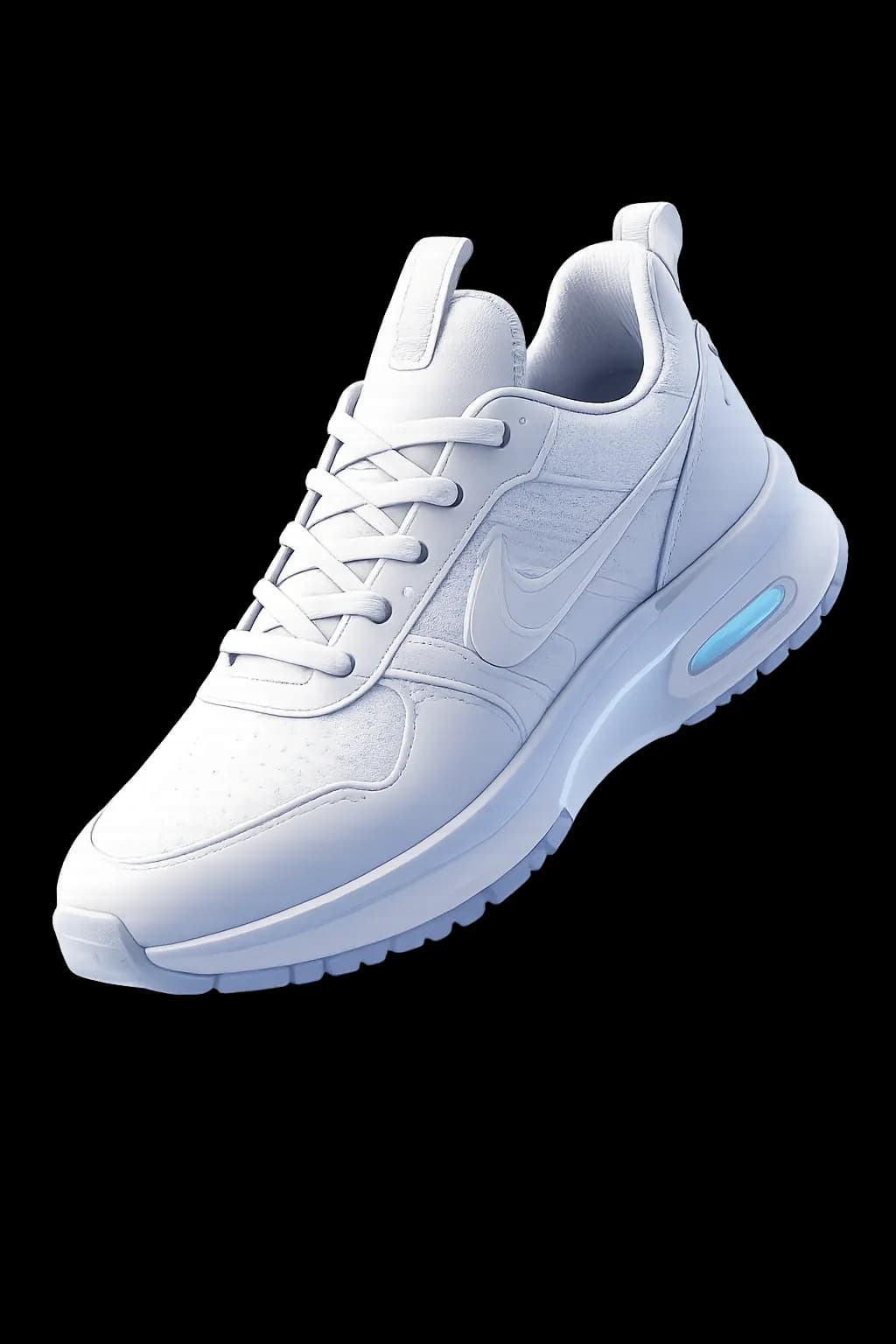
- Single Image Conversion
- AI Shape Reconstruction
- Surface Detection
- Mesh Creation
- Material Prediction
Sketch-to-3D
Convert rough hand-drawn sketches into structured 3D models.
- Sketch Recognition
- Geometry Generation
- Shape Refinement
- Edge Detection
- Editable Mesh Output
The AI Does the Groundwork
Topology and materials are worked out as each model is generated, so there's less cleanup waiting for you in Blender or your game engine.
Geometry Generation
Starts from something as rough as a concept sketch and builds out the full mesh, ready to render or keep working on.
- Quad remeshed
- UV unwrapped
Automatic Topology Optimization
Generates clean topology for better editing, animation, and rendering performance.
AI Material Suggestions
Applies suitable materials and surface properties based on the generated object.
Smart Scaling
Sizes each model to real-world proportions, so it sits in a scene at the right scale.
Real-Time Preview
Preview generated models before exporting.
Batch Generation
Generate multiple model variations from a single prompt.
Asset Types You Can Generate
Characters and props, or larger pieces like vehicles and buildings, come out as meshes you can edit and export.
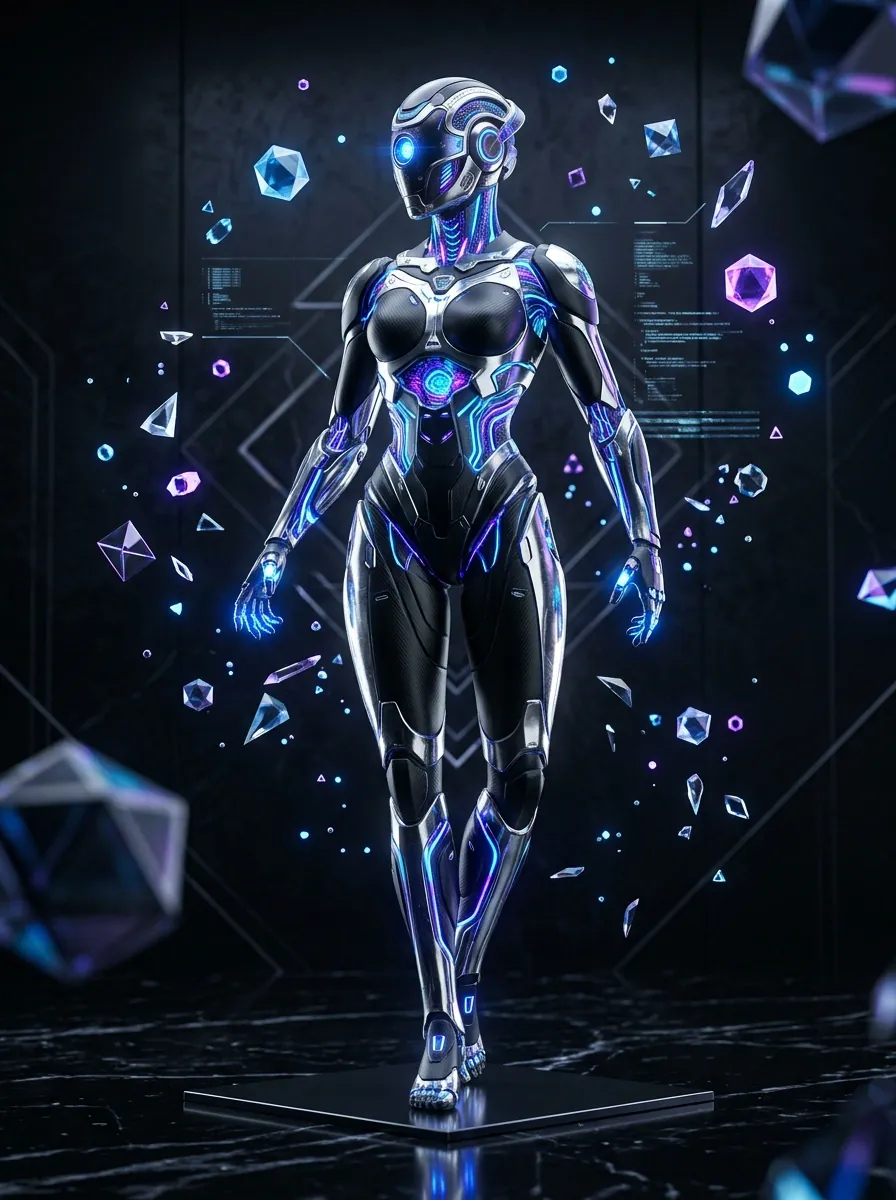
Characters
Create stylized or realistic character models.
Products
Generate consumer products, electronics, furniture, and industrial components.
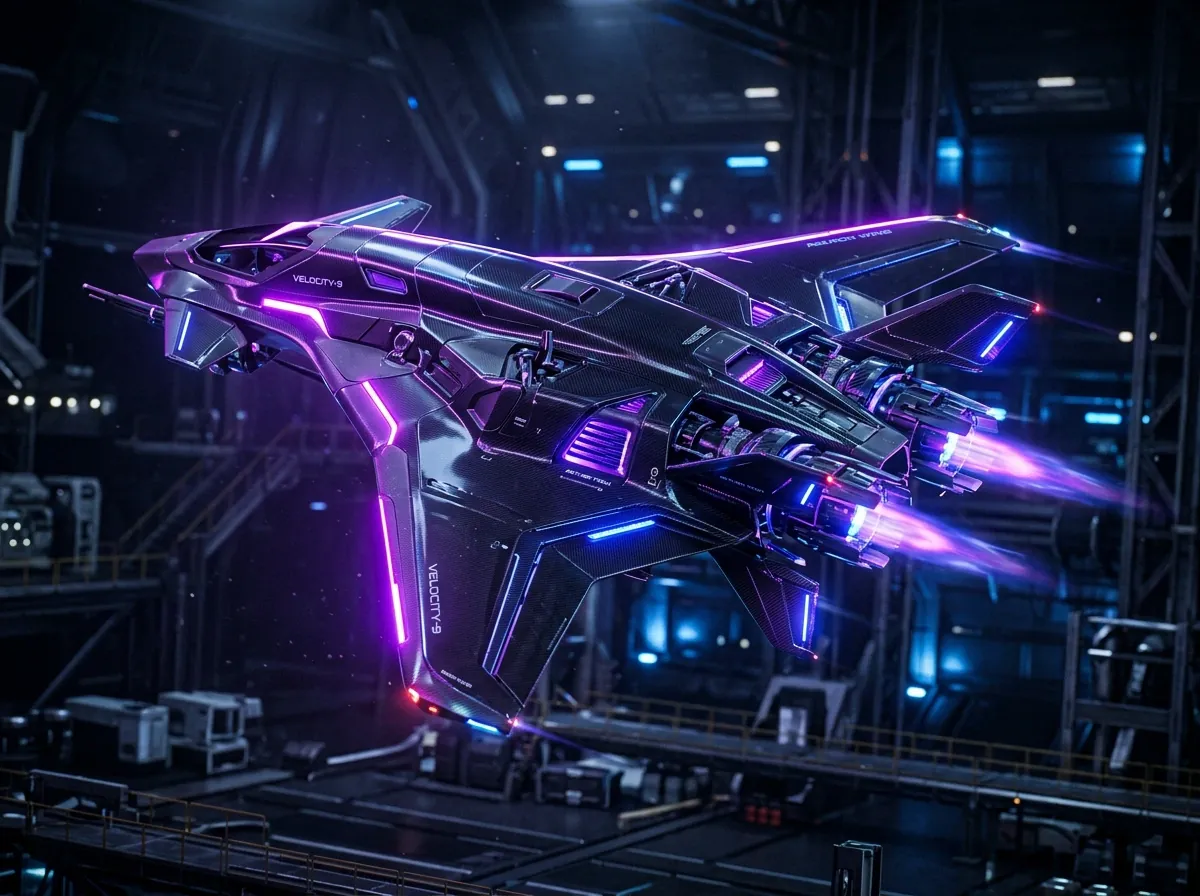
Vehicles
Create cars, drones, aircraft, machinery, and transportation assets.
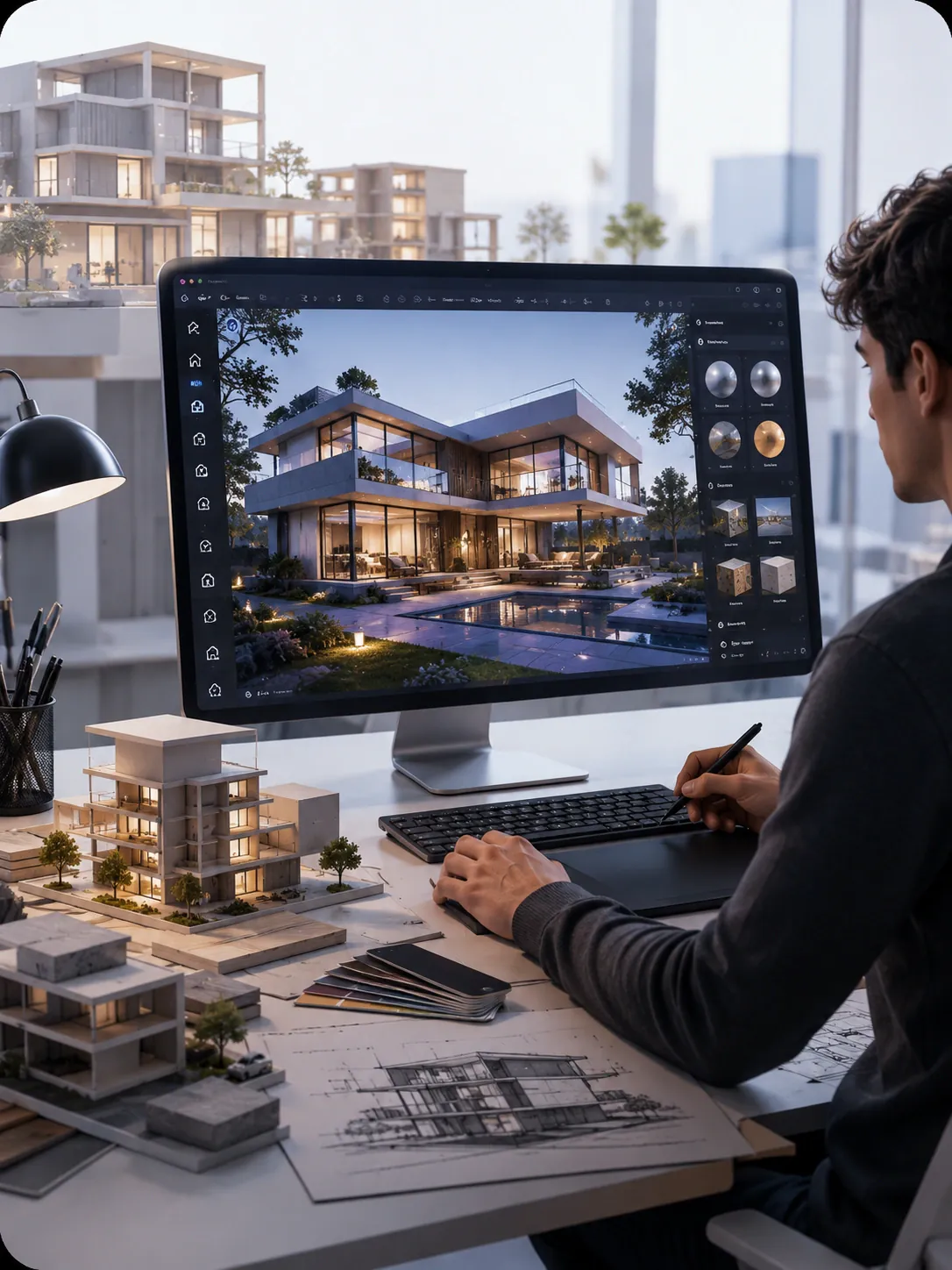
Buildings
Generate architectural structures, interiors, and urban environments.
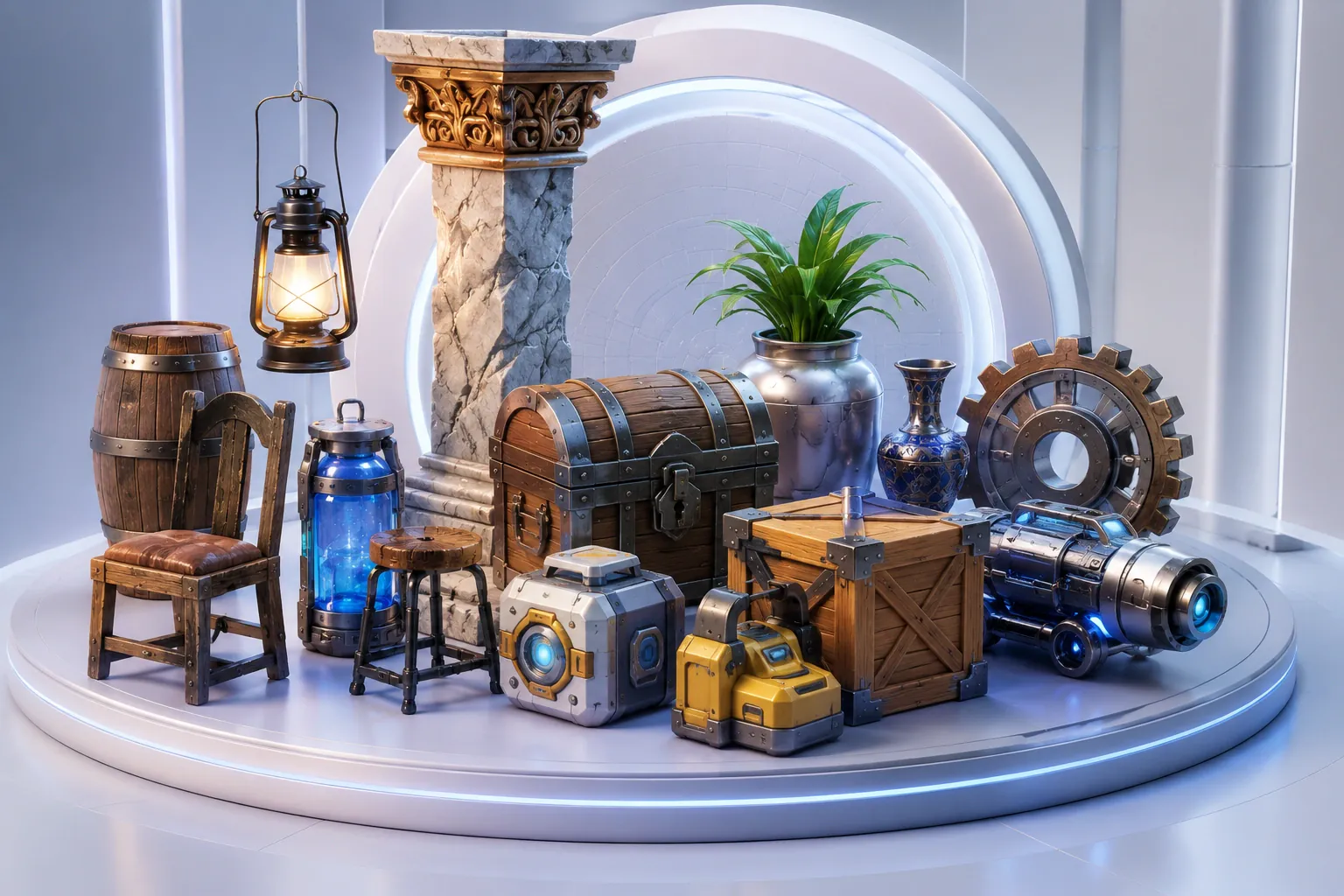
Props
Produce game-ready objects, furniture, tools, and decorative assets.
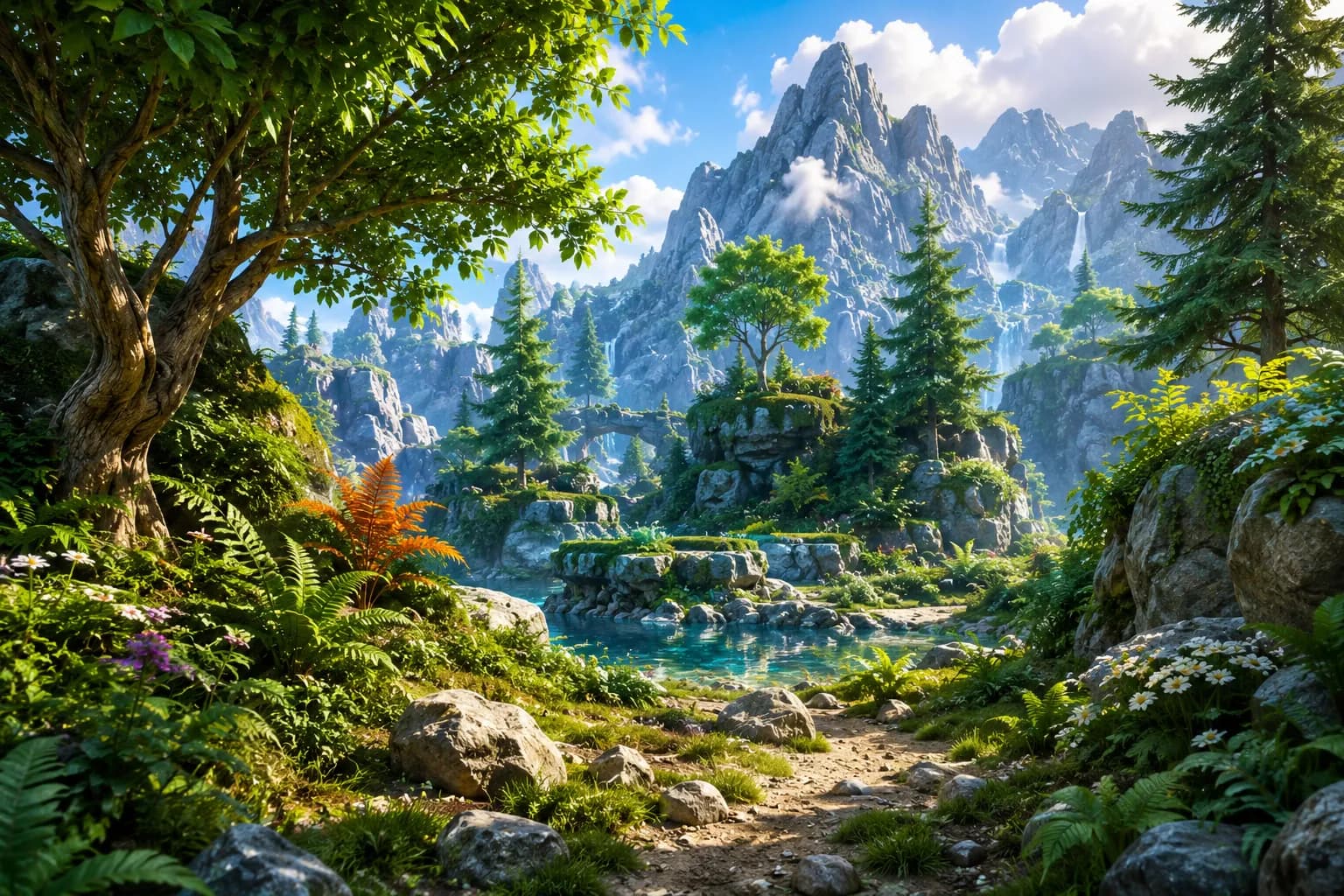
Nature
Generate trees, plants, rocks, landscapes, and environmental elements.
Industry-Standard Output
GLB
Binary glTF
GLTF
JSON glTF
FBX
Autodesk
OBJ
Wavefront
STL
3D Mesh
USD
Universal Scene
USDZ
iOS AR
Export ready for Unity, Unreal, Blender, Maya, Houdini, and Reality Composer.
Spend Fewer Hours Modeling by Hand
The first four cards apply to anyone making 3D models in Blender or Maya. The last two matter most if you run generation from your own code.
Faster Asset Creation
Your hours go into refining a generated draft, not into placing vertices one at a time on an empty grid.
Production Quality Mesh
Meshes come out as clean quads, which game engines and simulation tools can take as they are.
Works Across Industries
Generate models for architecture, manufacturing, robotics simulation and AR/VR scenes.
Choose How You Start
Begin with a short text prompt or a reference photo, or draw a rough sketch if the shape is easier to show than describe.
Large Batch Jobs
Queue hundreds of generations at once and pull the results through the API when they're done.
REST & Webhook APIs
Call Outbaksho over REST from your tools and get a webhook when each model is ready.
Who the AI 3D Generator Is For
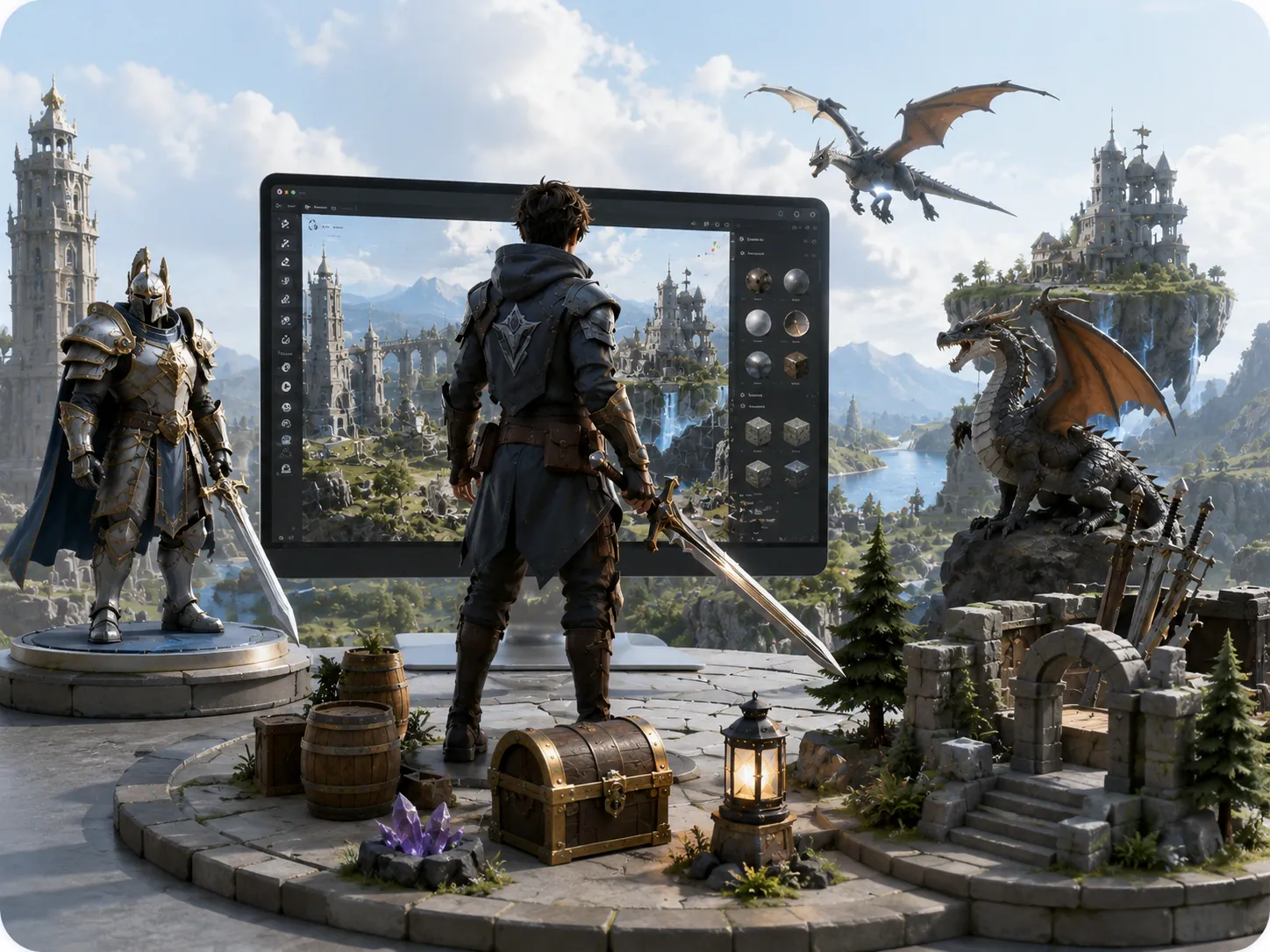
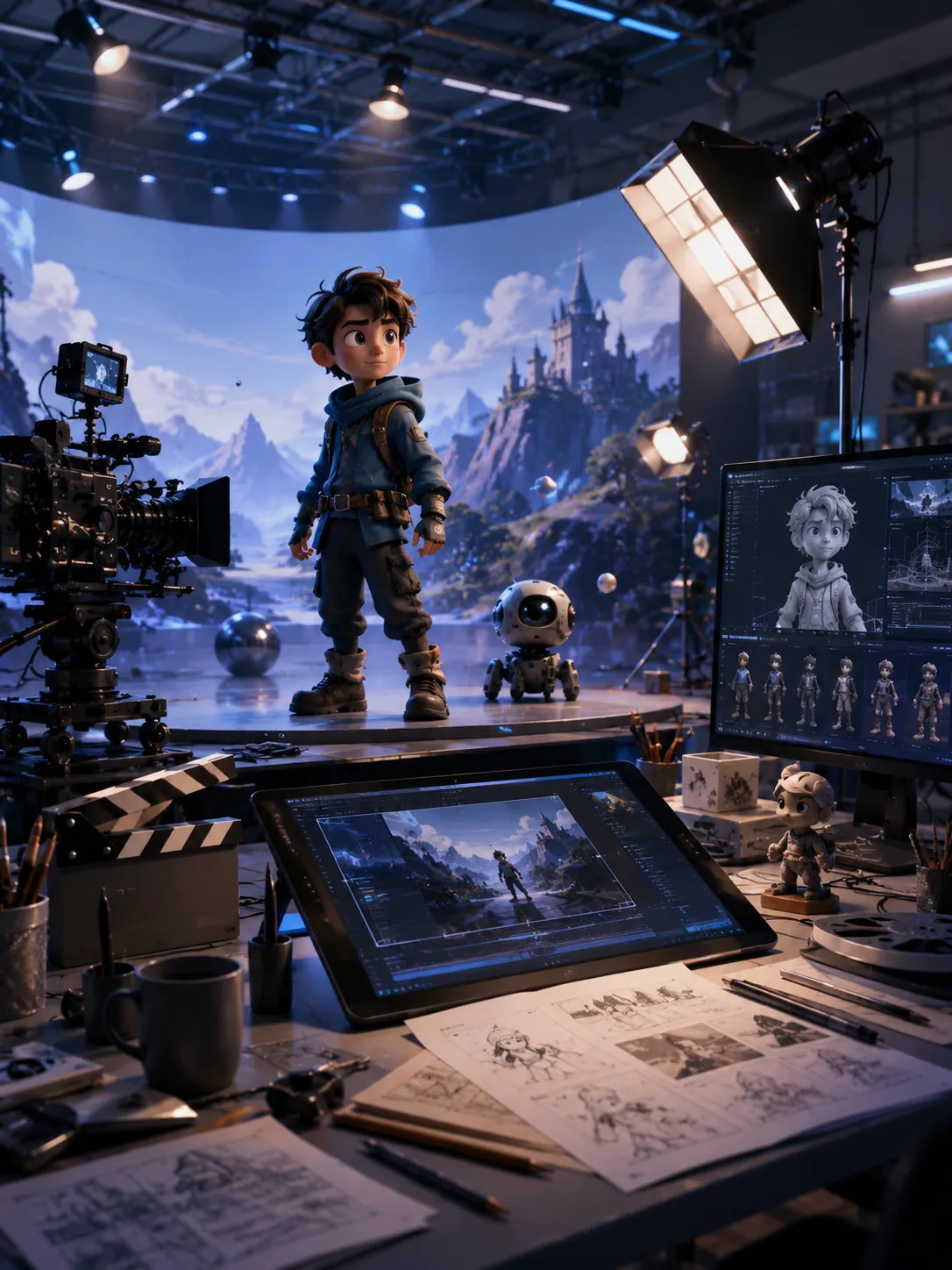
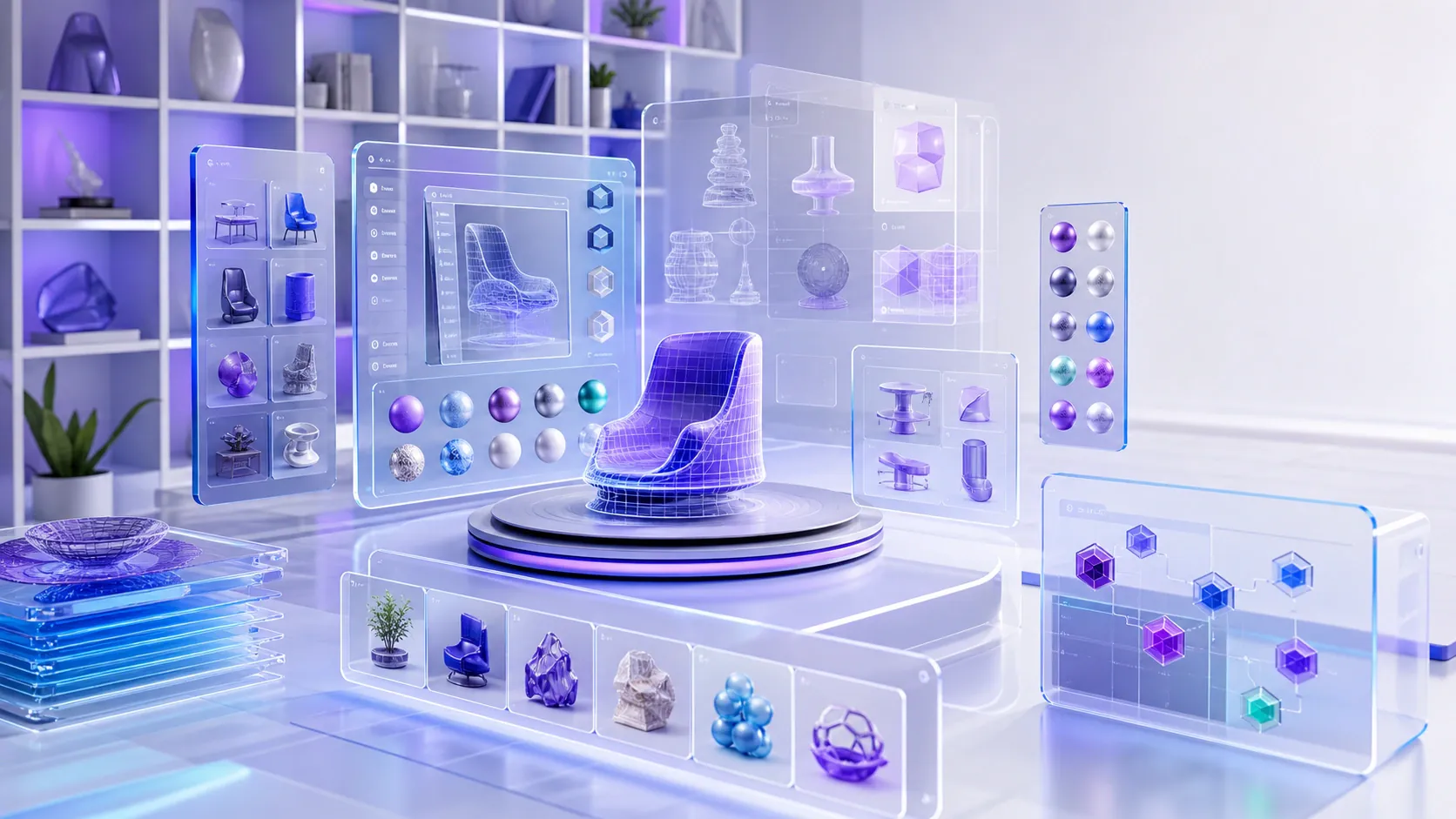
Game studios and manufacturers need very different 3D models, and the same generator can make both.



What to Know First
Answers to the most common questions about the AI 3D Generator. Reach out to our team for deeper technical questions or enterprise deployments.
Provide a text prompt, upload an image, or submit a sketch. The AI processes your input and generates a detailed 3D model that can be refined and exported.
Start Creating 3D Models Today
The studio shows each model in a 3D viewer, and you can download it as a GLB once it looks right.
No credit card requiredEdit in 3D StudioBatch generation

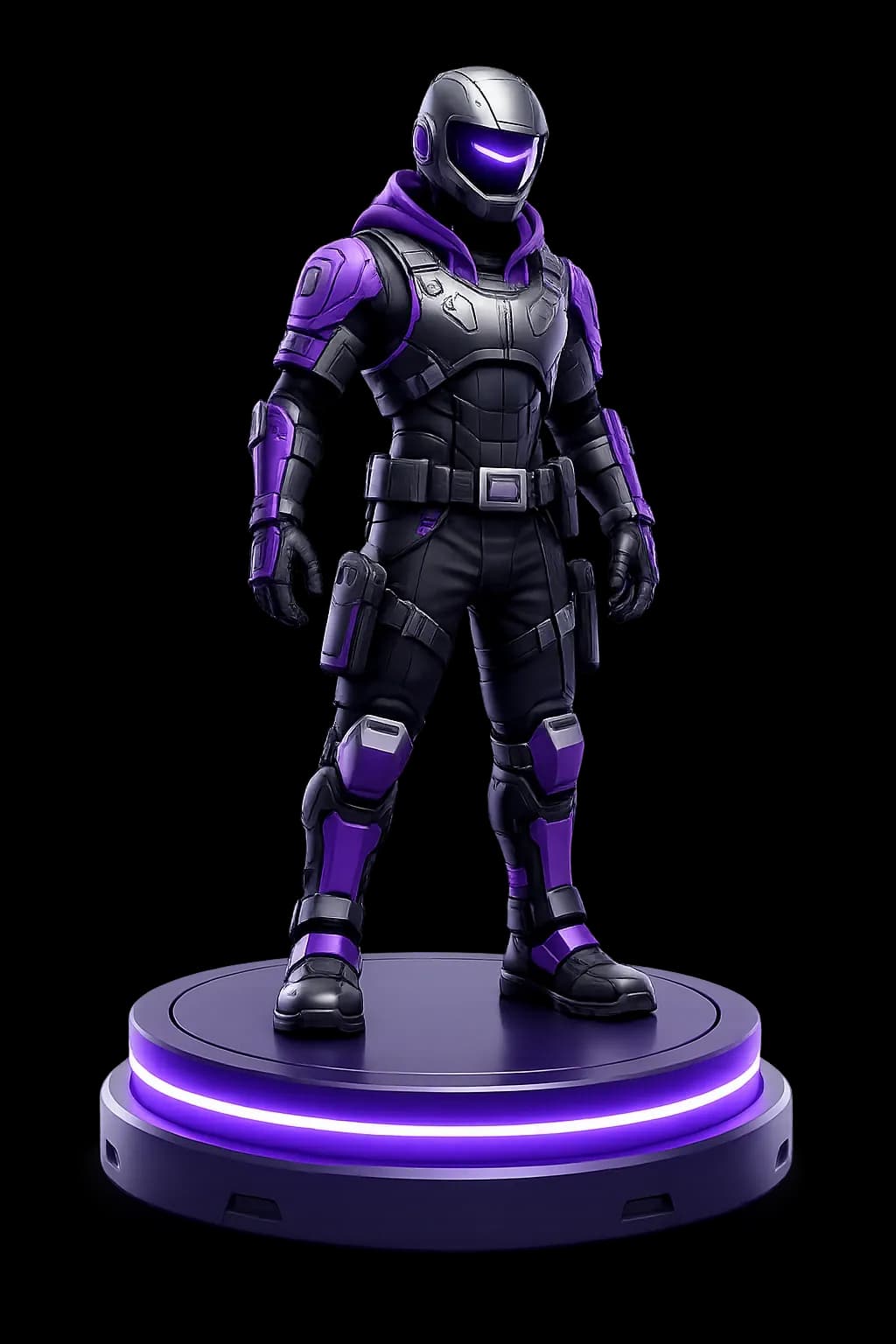
For game studios, XR teams, architects and manufacturers.