Image-to-3D
Convert Images into High-Quality 3D Assets
Upload a product photo or concept art and Outbaksho builds an editable 3D model from it. Export GLB for your game, or USDZ to show a product in AR on your store page.
Works with product photos, concept art, sketches and illustrations.
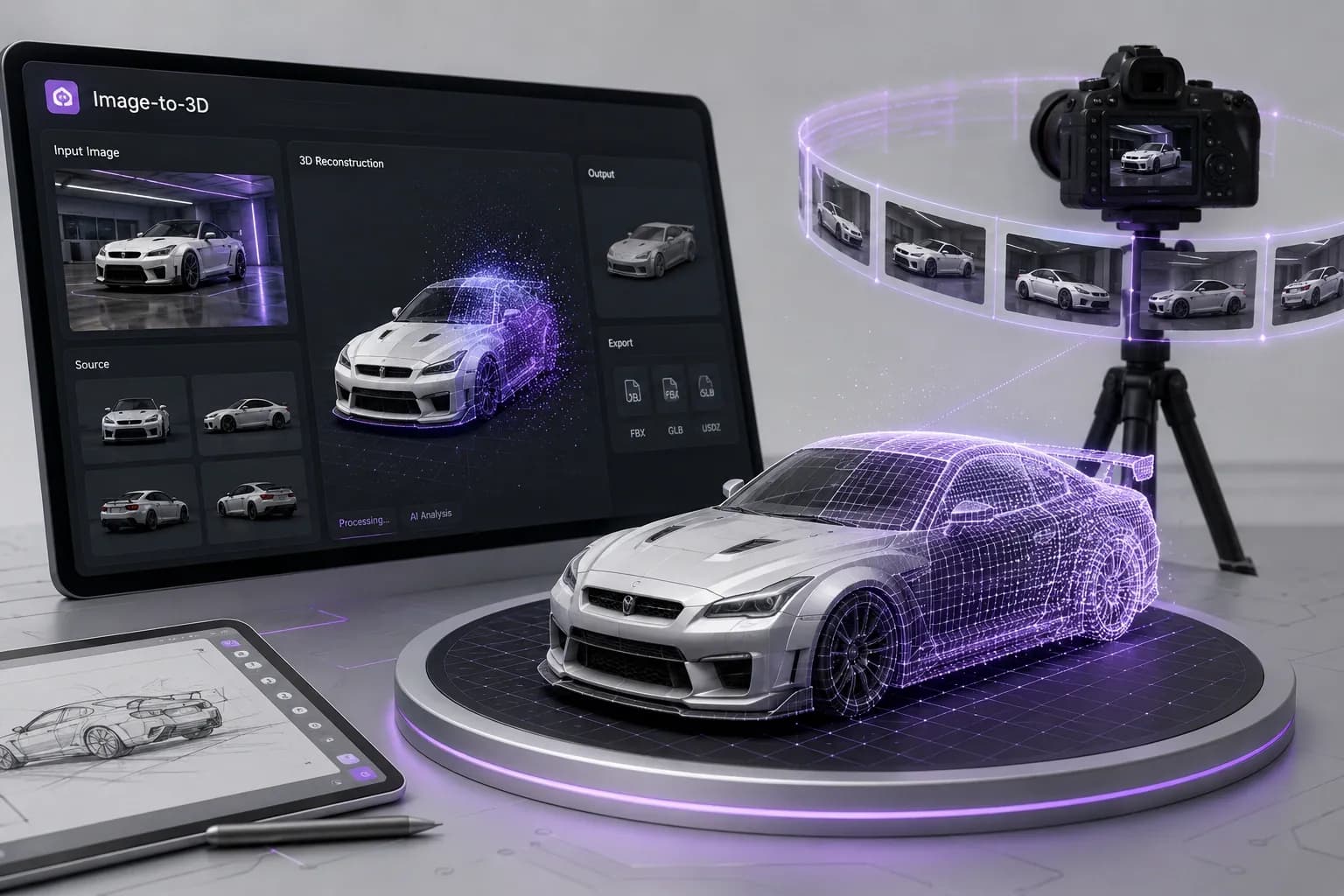
A 3D model from one image
Outbaksho's Image-to-3D engine reads the shape and depth of the object in your image and models it as a 3D mesh. Start from a product photo or a concept sketch and keep working on the result like any other mesh.
See how it worksShape & depth
Geometry reconstructed from a single photo
Editable meshes
A starting mesh you can reshape
Texture extraction
Surface detail pulled straight from pixels
Export formats
GLTF, STL, USD and more
What happens to your image
Drop in an image and the engine estimates its depth, then rebuilds the shape as a clean polygon mesh. You don't need to know how to model.
- 1
Upload an Image
Upload a product photo, illustration, concept artwork, or reference image in a supported format.
- 2
AI Analyzes the Image
The AI identifies shapes, depth, edges, and visual details to reconstruct a 3D model.
- 3
Refine in 3D Studio
Adjust geometry, materials, textures, lighting, and scale using the integrated 3D Studio.
- 4
Export
Download the model and take it into your engine, your 3D app or an AR viewer.
Clear, well-lit images with a single subject and a plain background produce the most accurate 3D reconstructions.
Upload an image in StudioInside the Image-to-3D engine
AI Shape Reconstruction
Reconstruct accurate 3D geometry from a single reference image.
Depth Estimation
Estimate object depth and dimensions to create realistic models.
Automatic Mesh Generation
Create an editable polygon mesh from the reconstructed shape.
AI Texture Extraction
Preserve colors, textures, and surface details from the original image.
Material Assignment
Match each detected surface to a material such as metal, plastic or fabric.
Portable Output
Take the exported file into Unreal, Three.js or Reality Composer.
Images you can turn into 3D
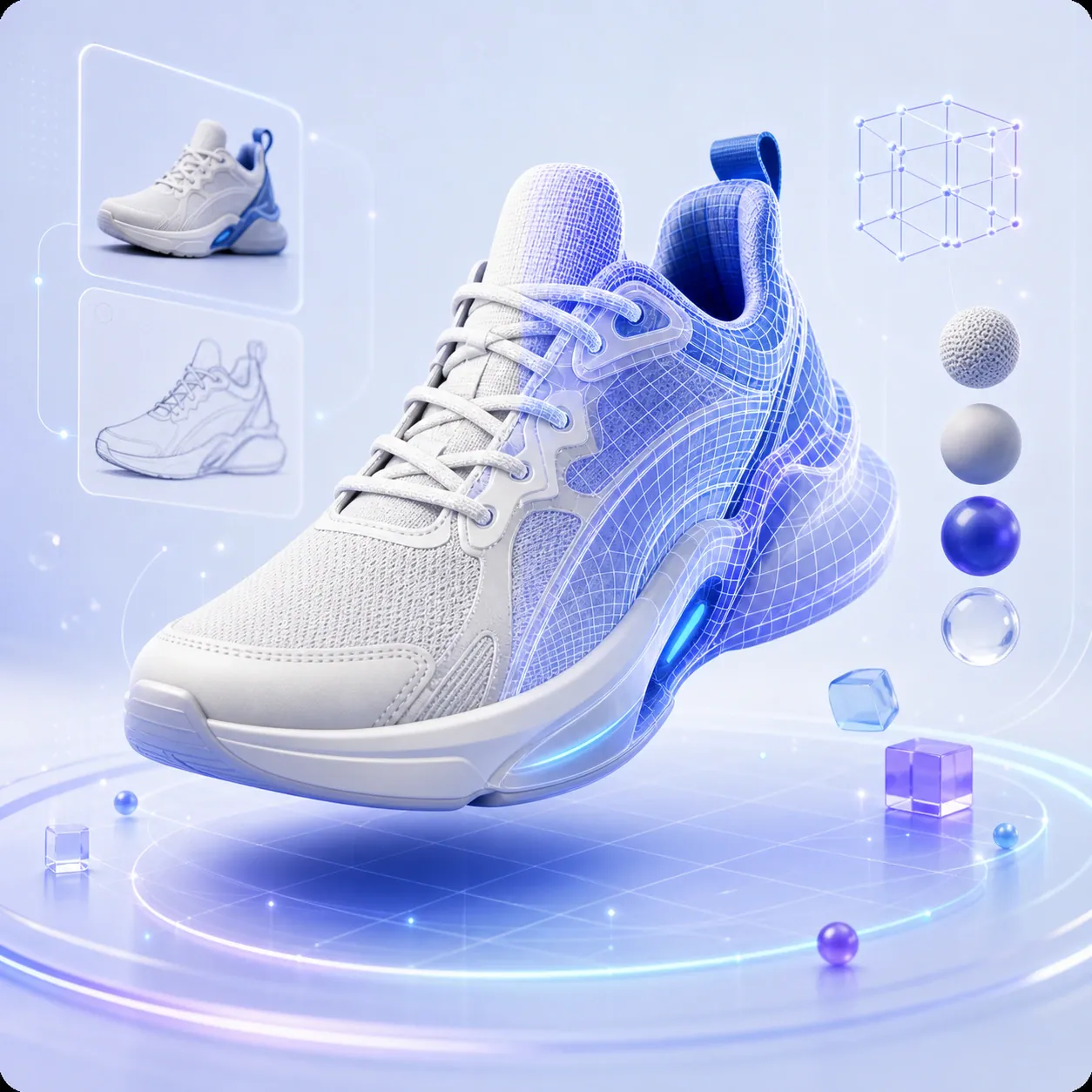
Product Photography
Convert product images into interactive 3D models.
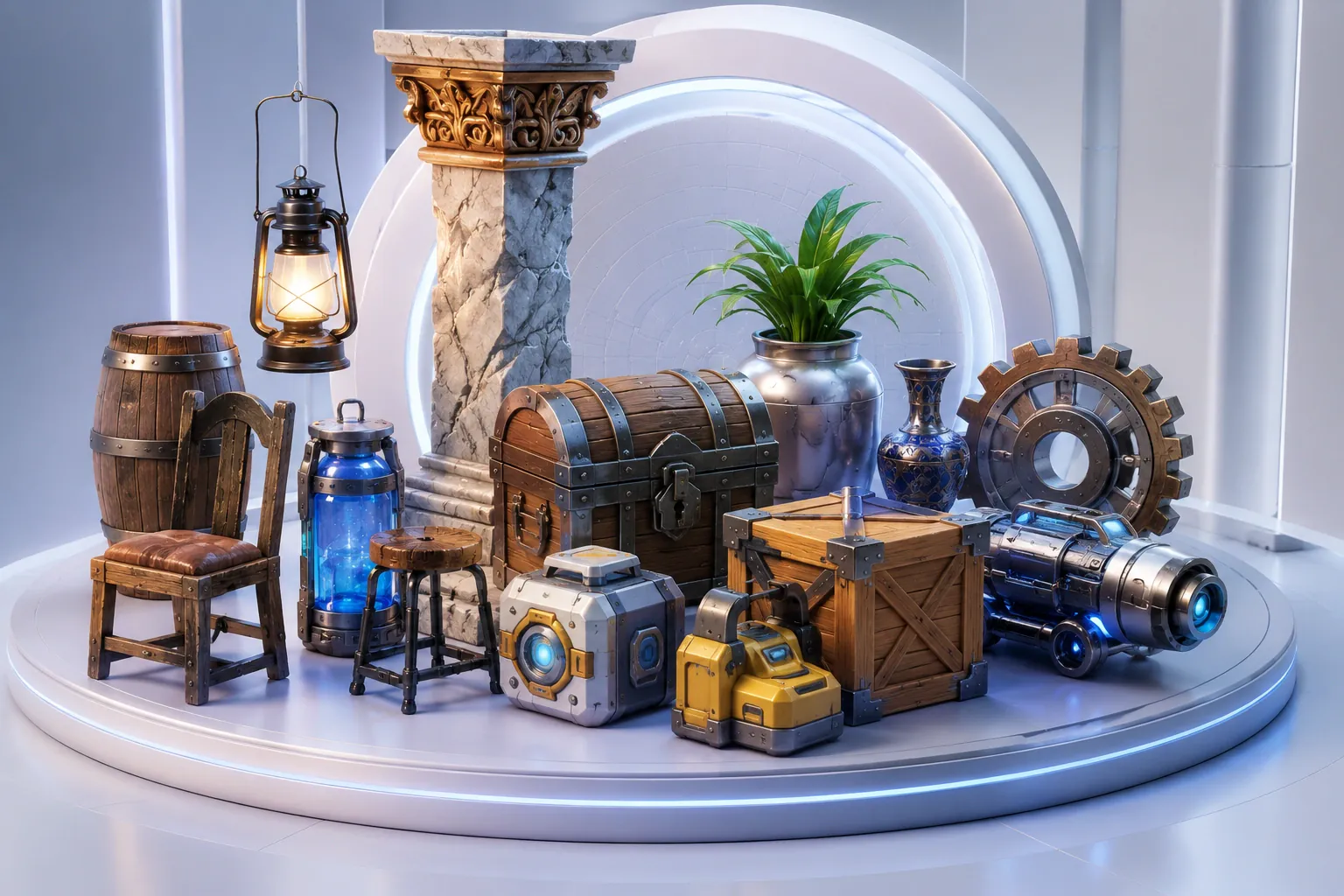
Concept Art
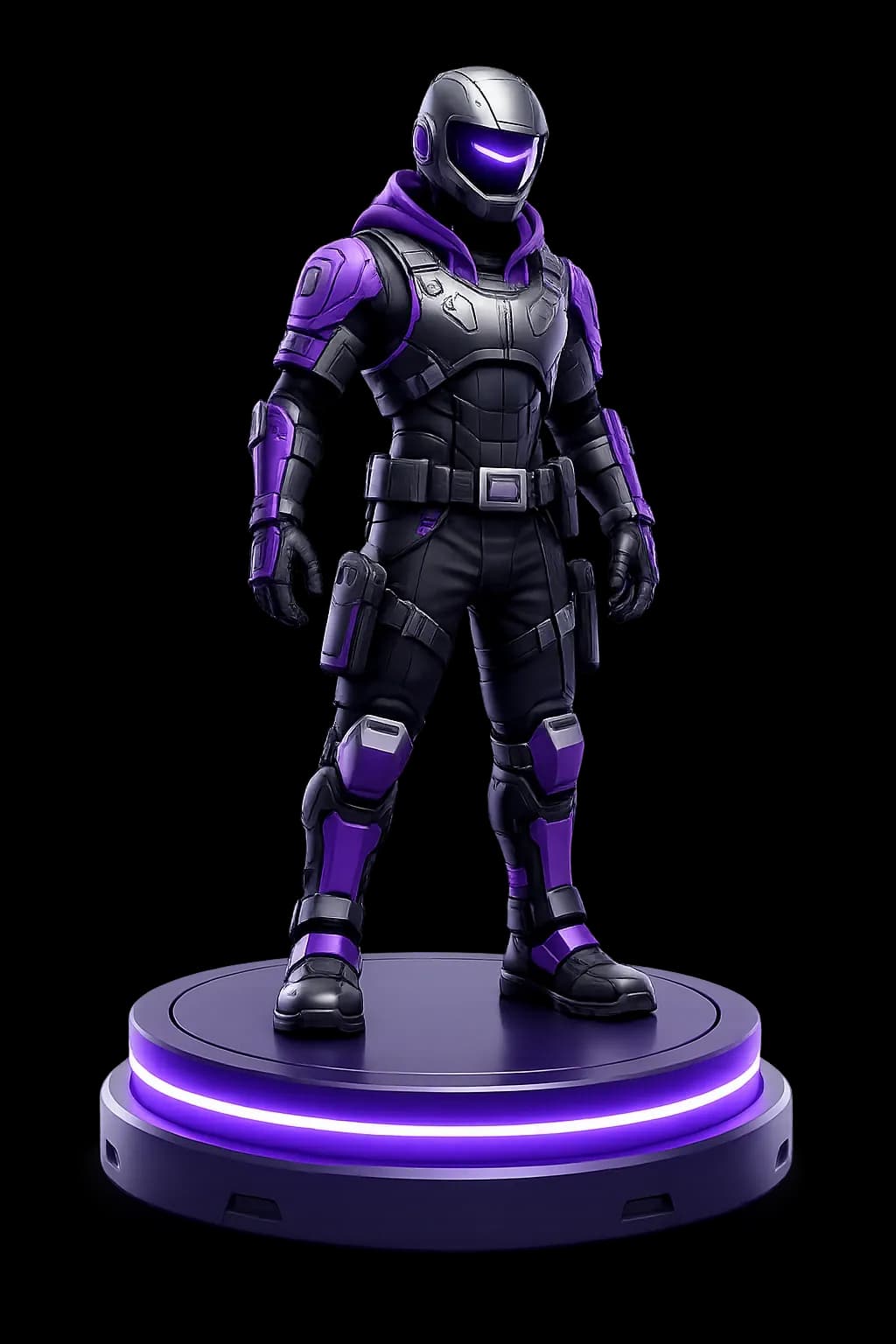
Use a concept illustration as the base for a 3D prop or character.
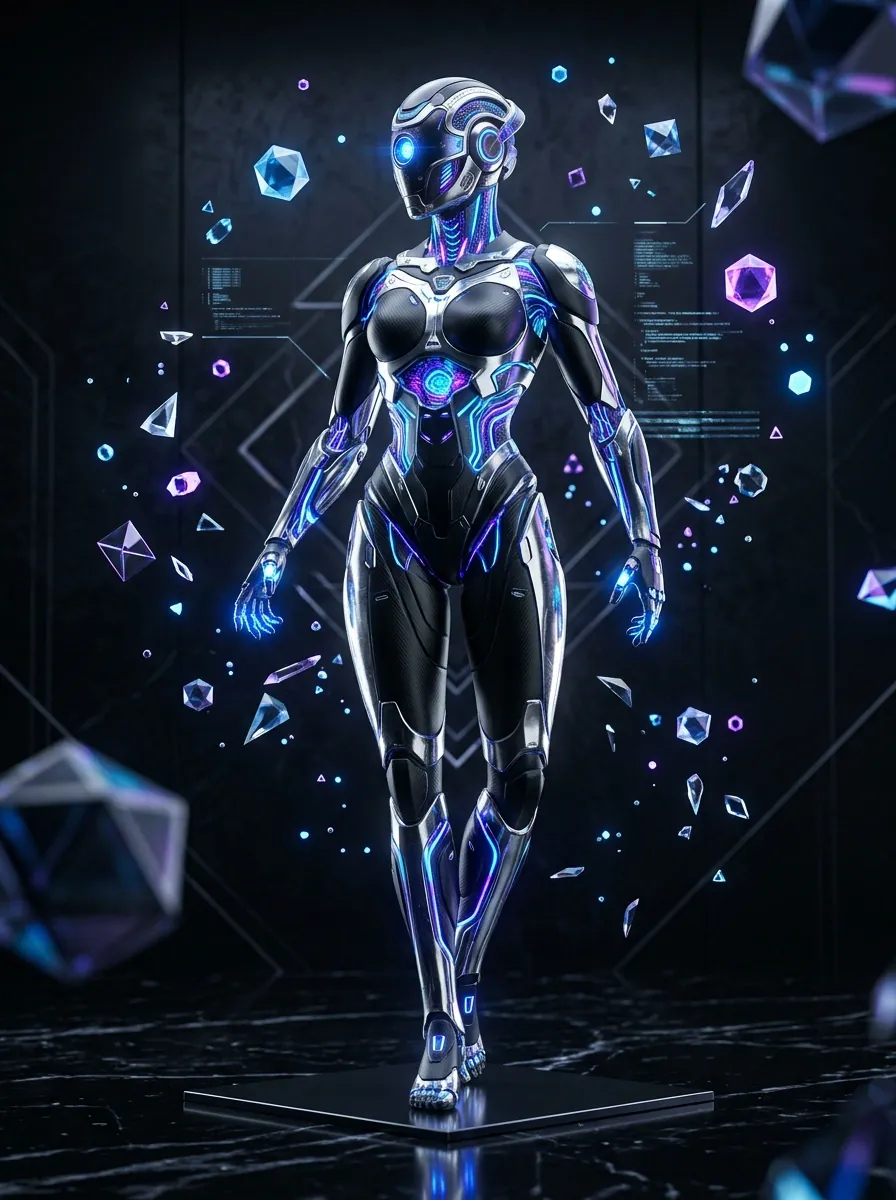
Character Artwork
Generate stylized or realistic 3D characters from artwork.
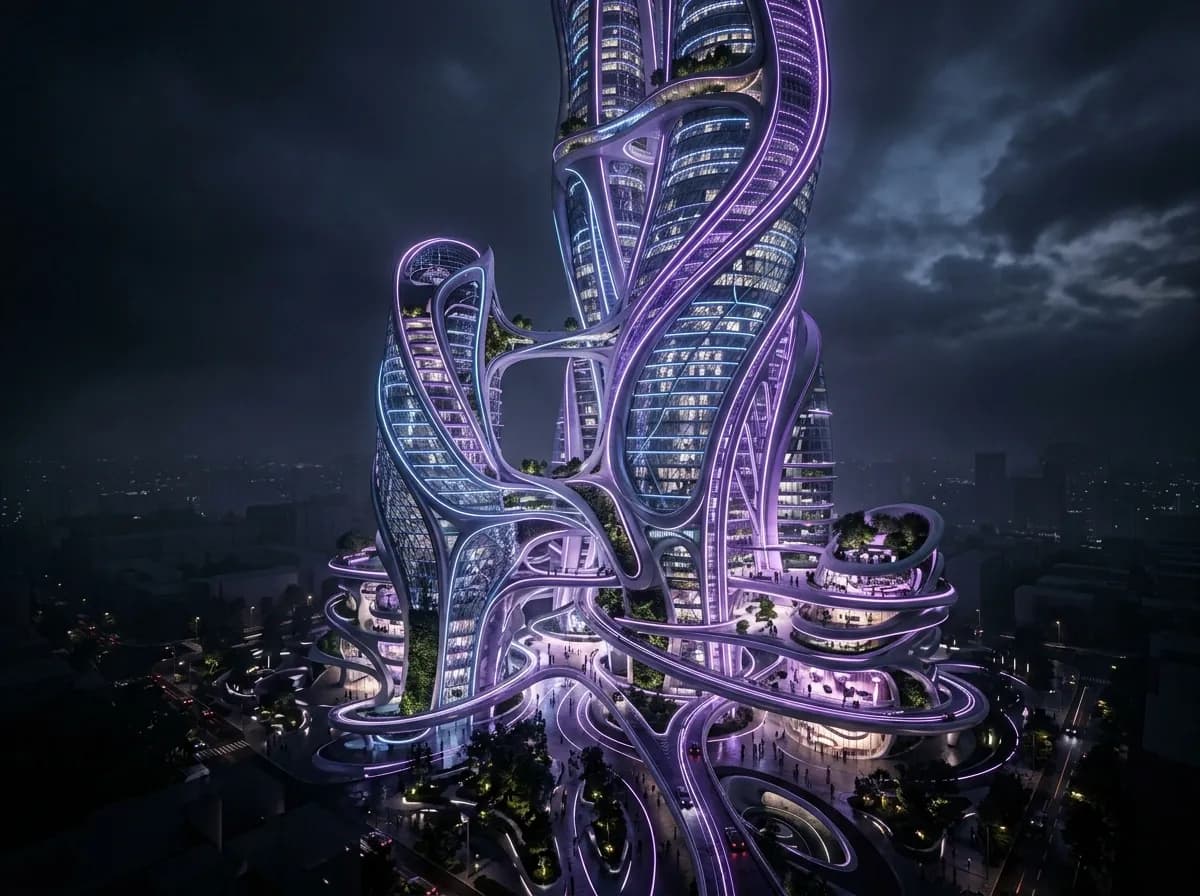
Architecture
Get 3D models from architectural concepts and floor plan images.
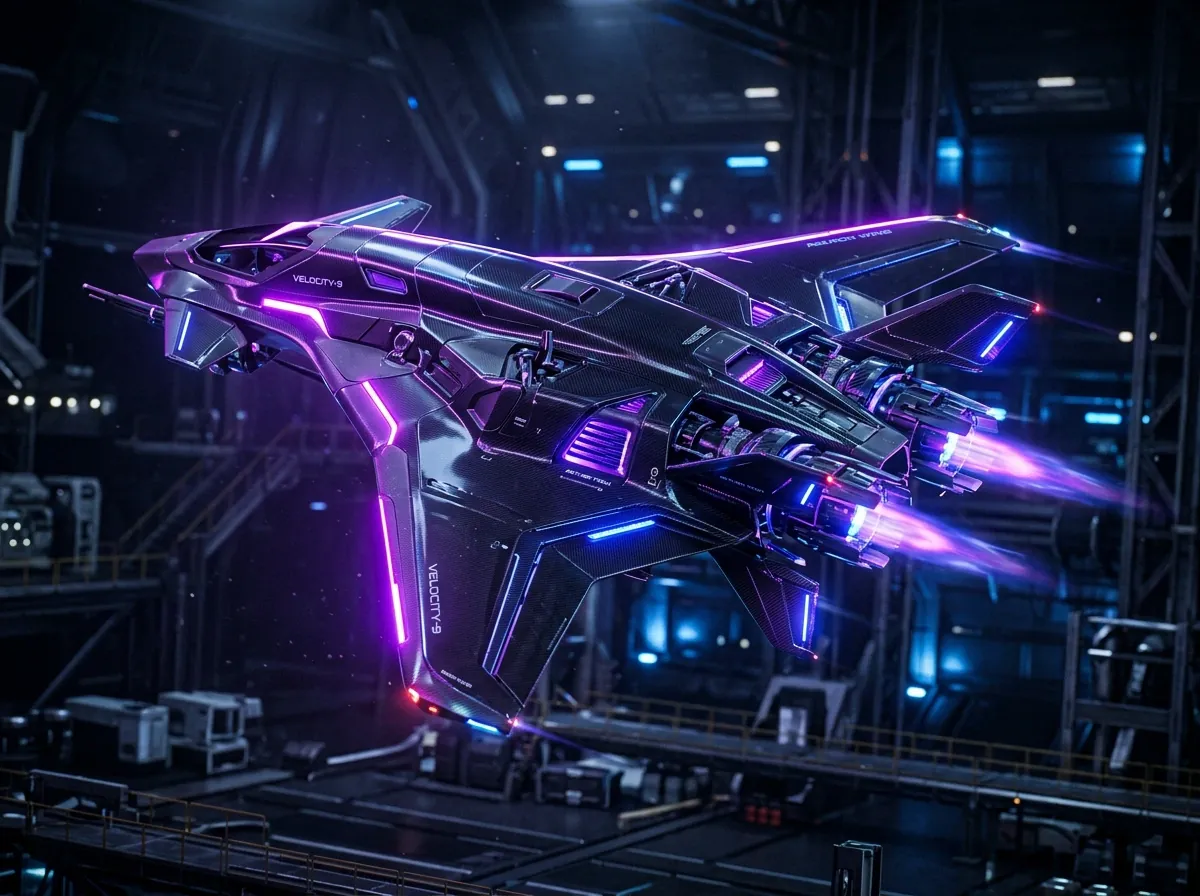
Industrial Designs
Create prototypes from engineering illustrations and product concepts.
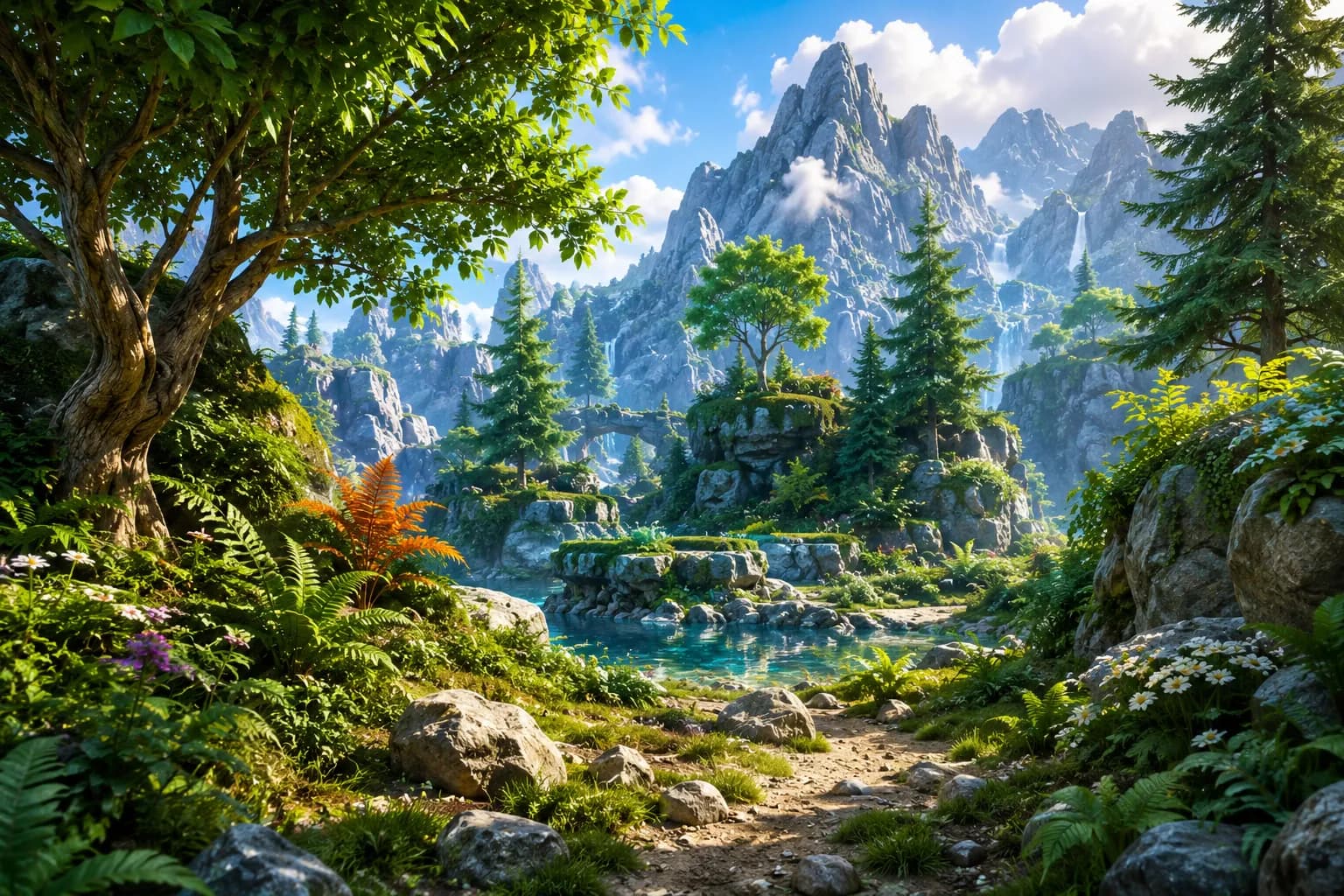
Digital Illustrations
Rotate and edit a 2D illustration as a 3D object.
Fine-tune before you generate
Set quality, mesh density, texture resolution, materials, background removal and scale, then choose an export format from the list below.
Your photo is the first draft
Upload a reference image and you'll have a mesh to work on in minutes.
Faster Production
Try a few images in one sitting and keep the best model.
Professional Quality
Get detailed, textured meshes you can open in Blender or Unity.
Reduced Manual Modeling
Begin with a generated mesh rather than a hand-built blockout.
Cross-Industry Applications
Works for gaming, architecture, manufacturing, retail, robotics and media projects.
Flexible Workflow
Tweak the model first, or take it straight to the 3D app or engine you already use.
Where Image-to-3D fits in
Game Development
Create characters, props, weapons, and environmental assets.
E-Commerce
Generate interactive 3D product models for online stores.
Architecture
Put design concepts into 3D so you can render them from any angle.
Manufacturing
Prototype products and industrial parts starting from a photo.
AR / VR / XR
Fill VR and AR scenes with objects built from reference images.
Film & Animation
Turn concept art into props and set pieces for film and animation.
Before you upload an image
Outbaksho supports JPG, JPEG, PNG, and WEBP image formats for Image-to-3D generation.
Upload an Image, Get a 3D Model
Any product photo or illustration will do. Check the model from every angle in the 3D viewer, then export it.