Textured Meshes
Every generated mesh comes with PBR materials already applied.
Write a text prompt, or upload an image or sketch, and get back a 3D model you can export as GLB, FBX or USDZ for gaming, AR/VR, architecture or manufacturing work.
7
Export Formats
3
Inputs: Text, Image & Sketch
6
Industries Covered
6
Compatible Tools
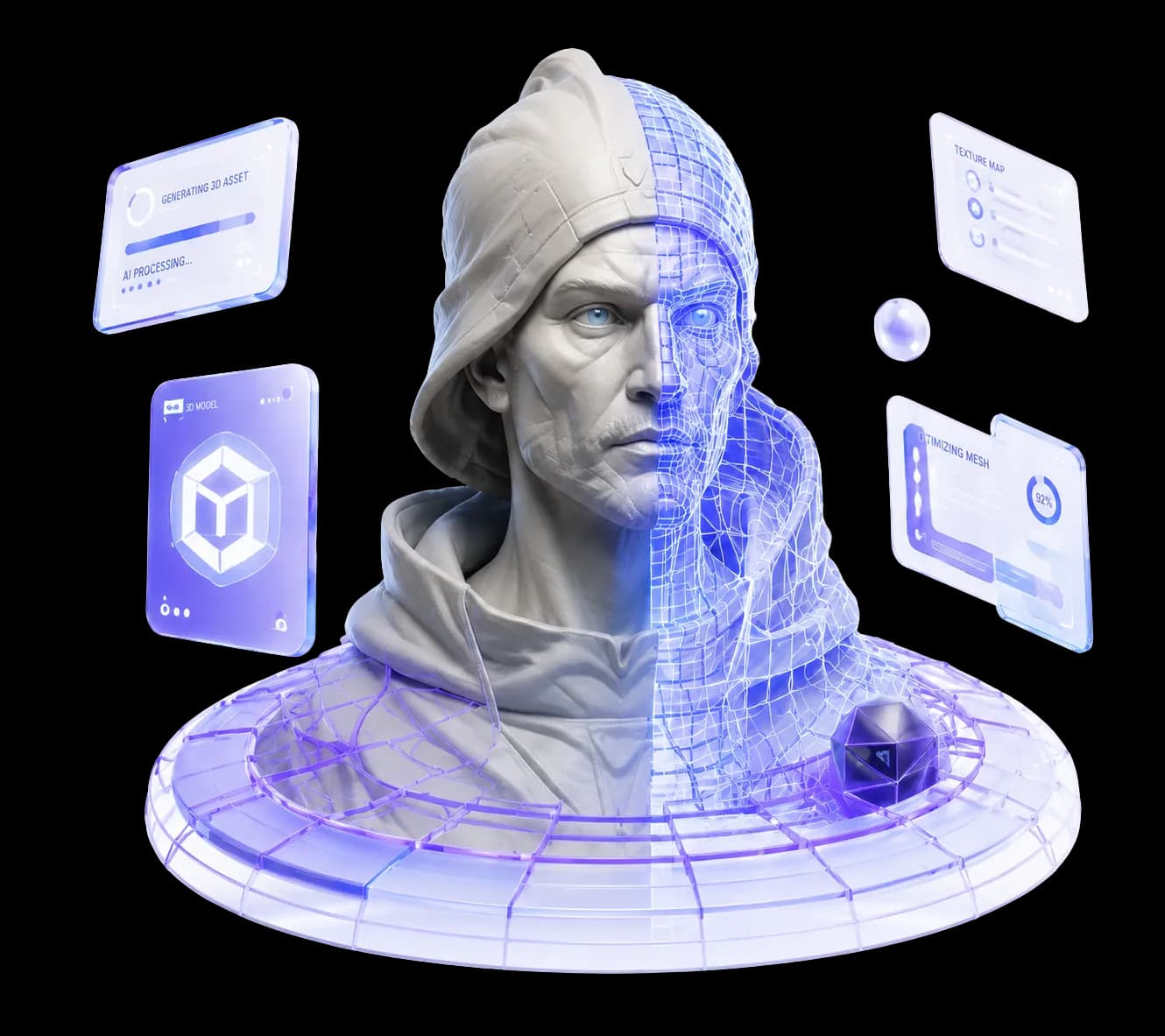
What is Outbaksho?
Each model comes back as a clean mesh with PBR materials, and you can still adjust both. When it looks right, export it for a game level, an AR app or an architectural visualization.
After generating the mesh, Outbaksho can cut its polygon count and build LODs, so the file stays light enough for a game engine or a web page.
Start with a sentence, a photo or a quick drawing, then texture the model and pick an export format.
Generate detailed 3D models directly from natural language prompts.
Convert concept art, product photos, or reference images into editable 3D assets.
Upload a rough sketch and the AI works out the 3D shape, ready for you to edit.
Generate realistic textures, materials, and PBR maps for professional rendering.
Optimize meshes, reduce polygon counts, and prepare assets for real-time applications.
Download as GLB, GLTF, FBX, OBJ, STL, USD or USDZ, whichever your software opens.
Orbit and zoom around the model in a live 3D viewport to check lighting and materials.
Branch, revert, and compare iterations without losing prior work or references.
Game props, product prototypes, robot simulations and film sets all start with a 3D model. Pick your field below to see what Outbaksho can make for it.
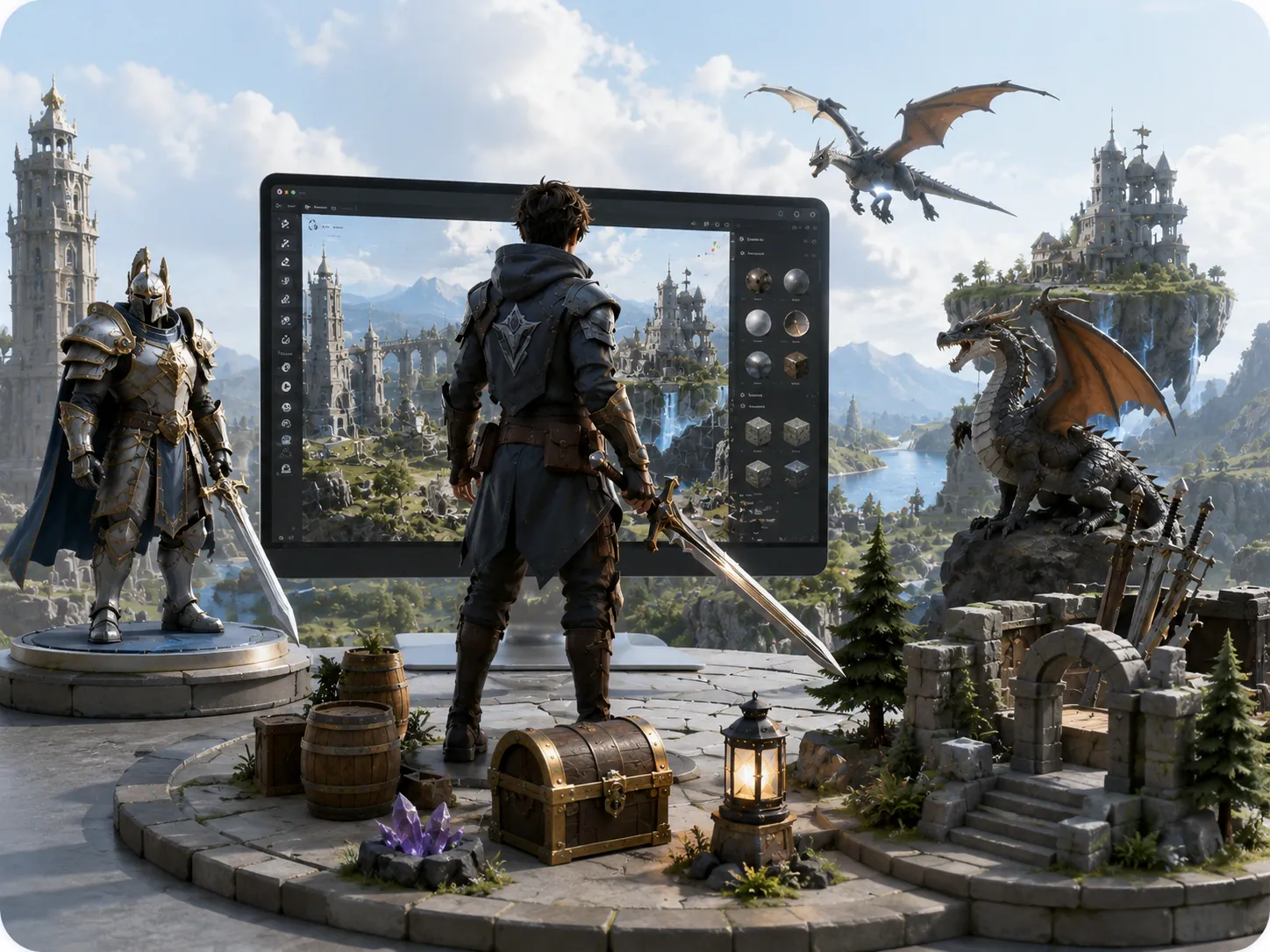
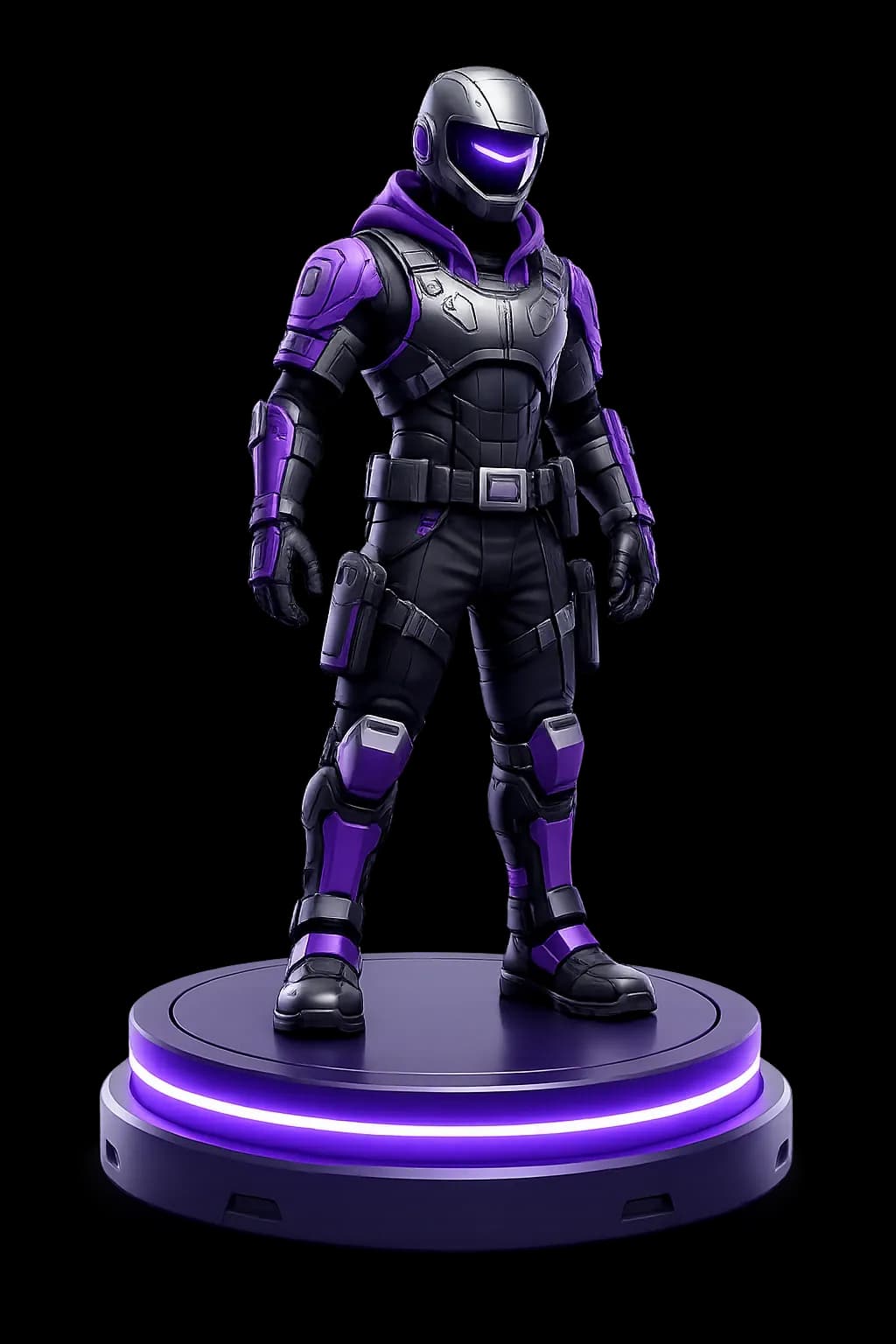
Generate characters, props, environments, and world assets faster.
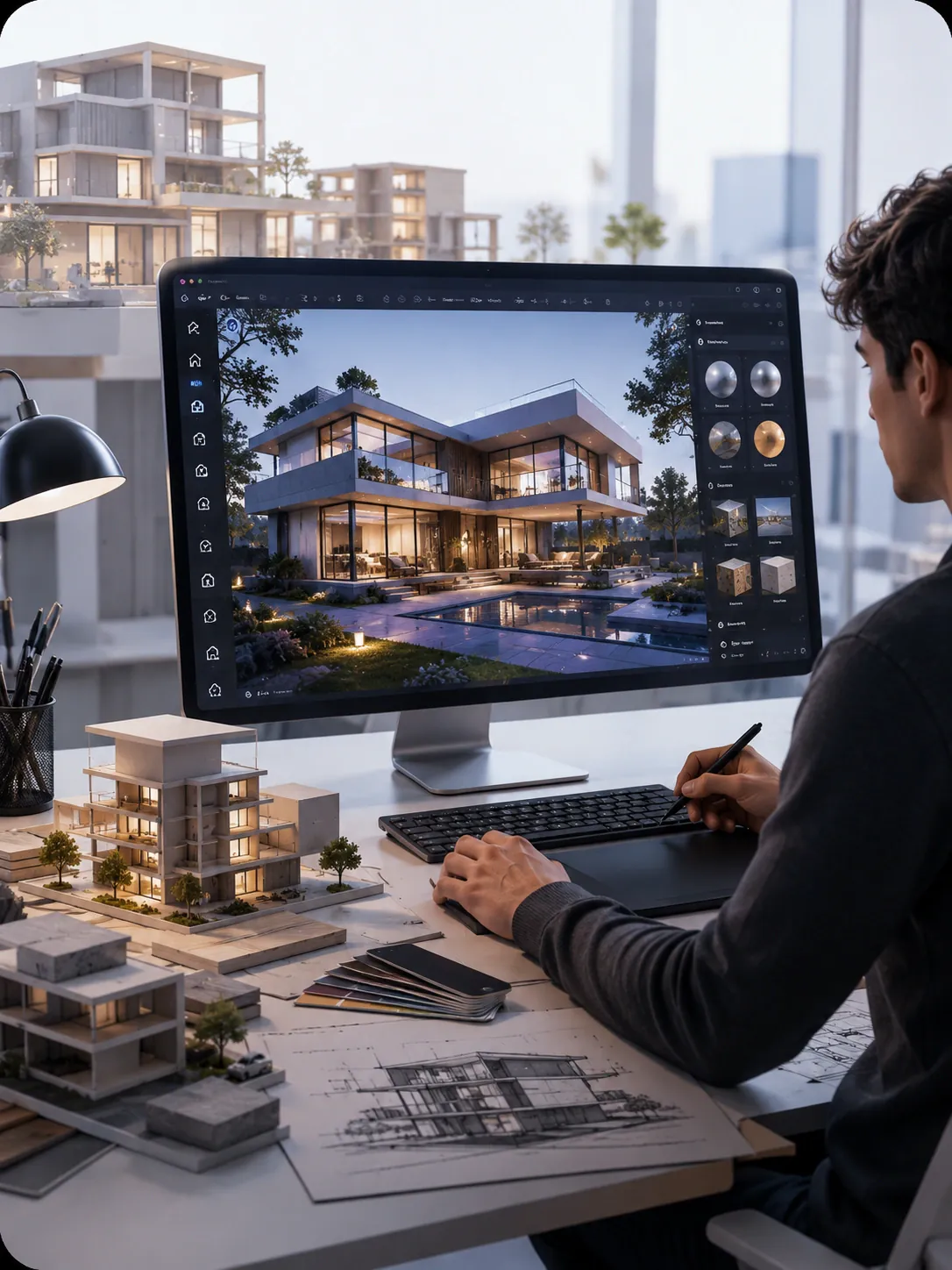
Create buildings, interiors, landscapes, and visualization assets.

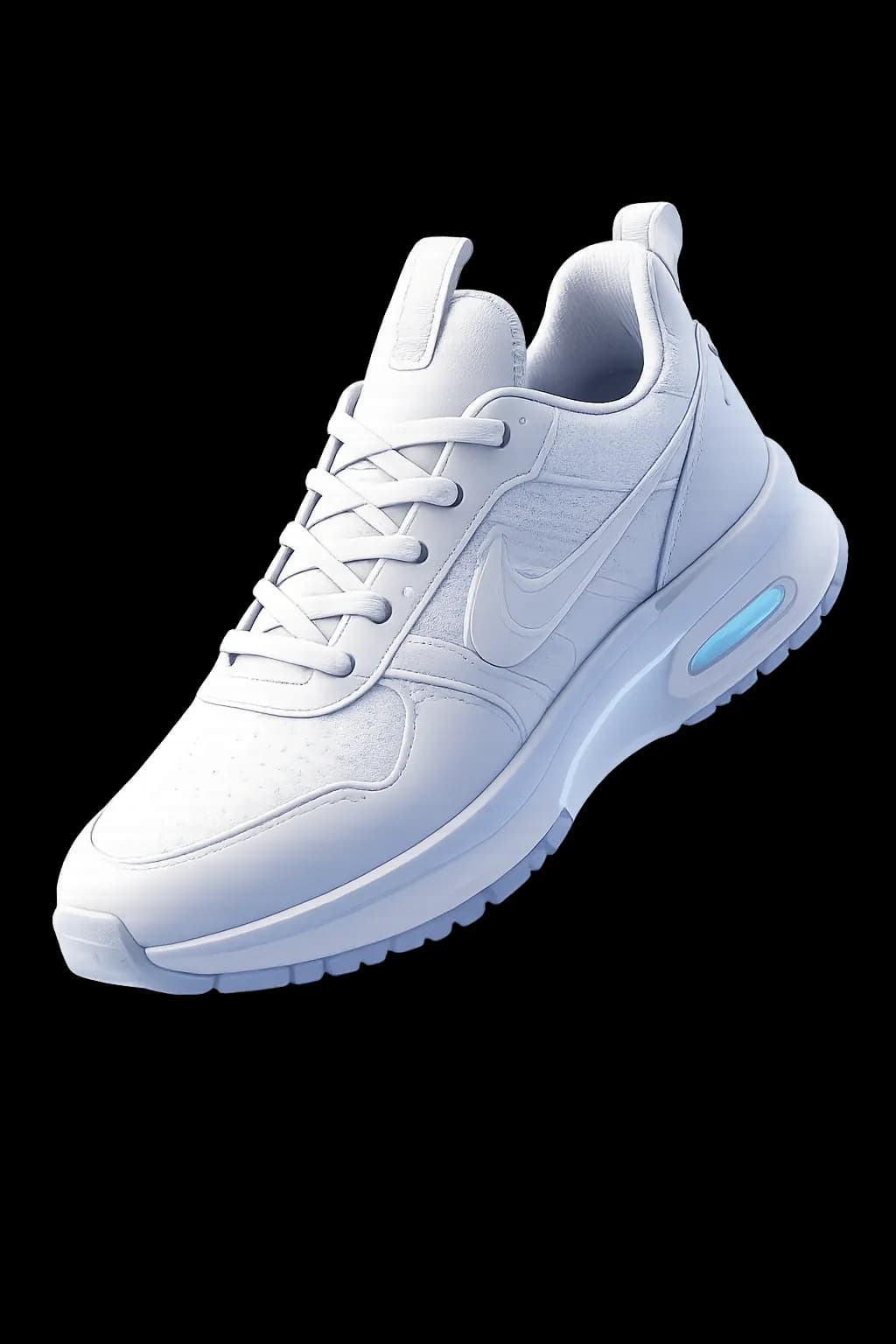
Rapidly prototype industrial components and product concepts.

Fill robot simulation scenes with everyday objects and obstacles.

Keep AR and VR models light, then export them as USDZ or GLB.
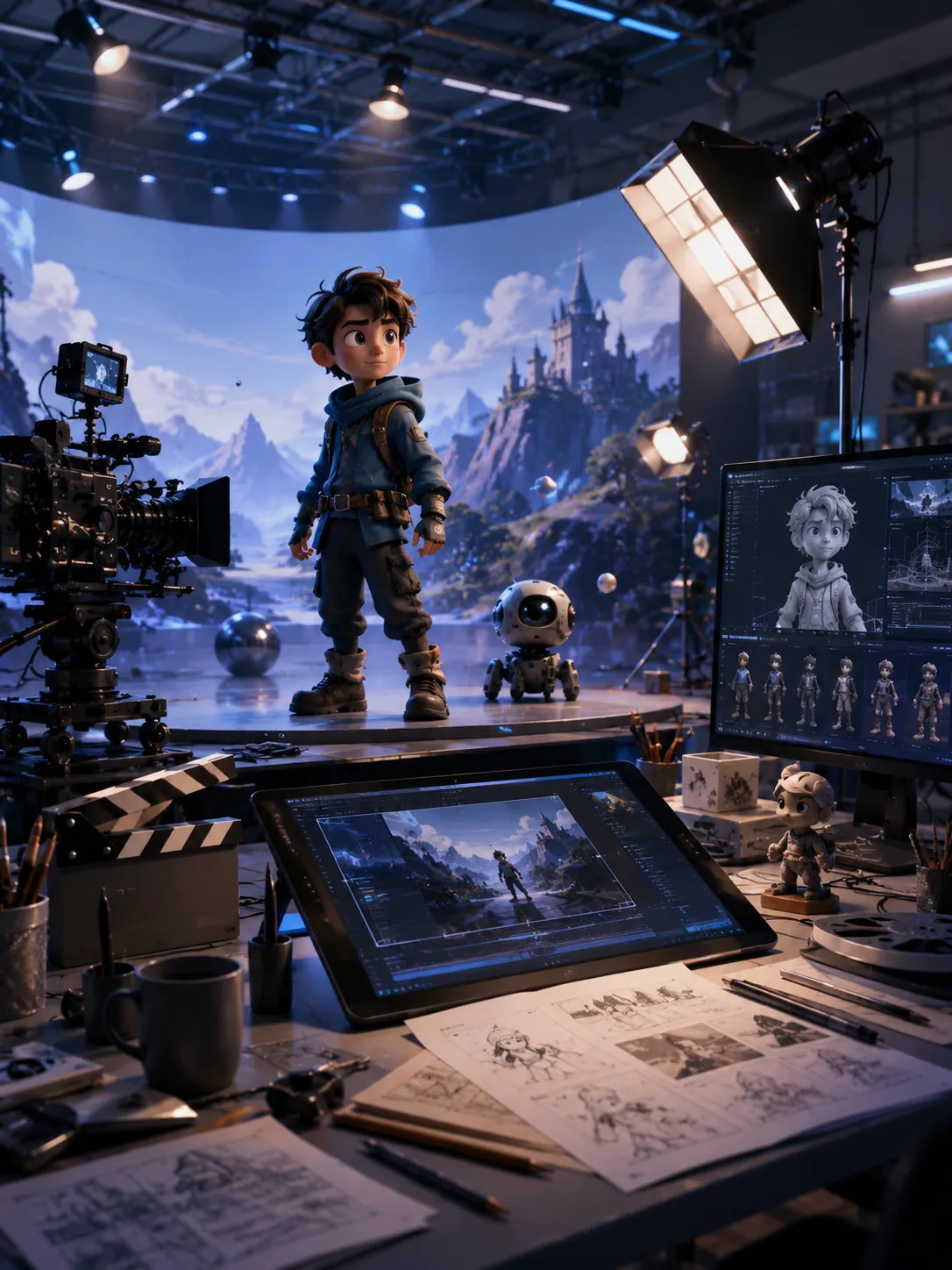
Block out a shot with generated props and set pieces.
Try Outbaksho on your next model, right in the browser.
Free planStart with the generator and add the other modules as you need them. Here is what each of the six does.
Describe a model in a prompt and generate a few variations. Keep the one you like and export it with clean topology for your engine.
Explore AI 3D Generator
Open a generated model in 3D Studio to edit its shape and materials. Earlier versions stay in your asset library.
Explore 3D Studio
Create PBR materials from a reference image or a text prompt. You get albedo, roughness, metallic and normal maps that tile without visible seams.
Explore AI Material Generator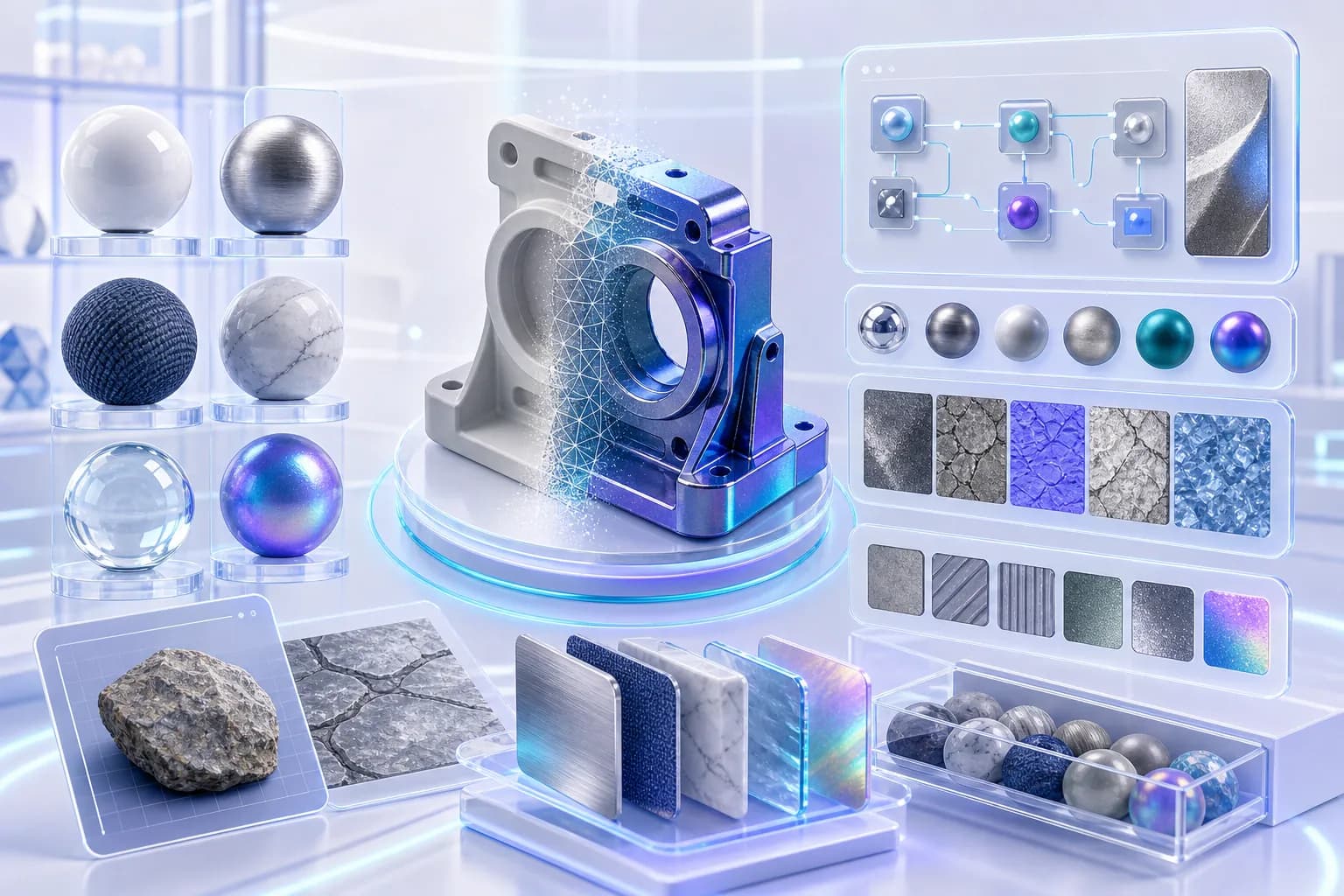
Reduce the polygon count to suit where the model will run, keeping more detail for a film close-up and less for a mobile AR scene. The silhouette stays intact.
Explore AI Mesh Optimizer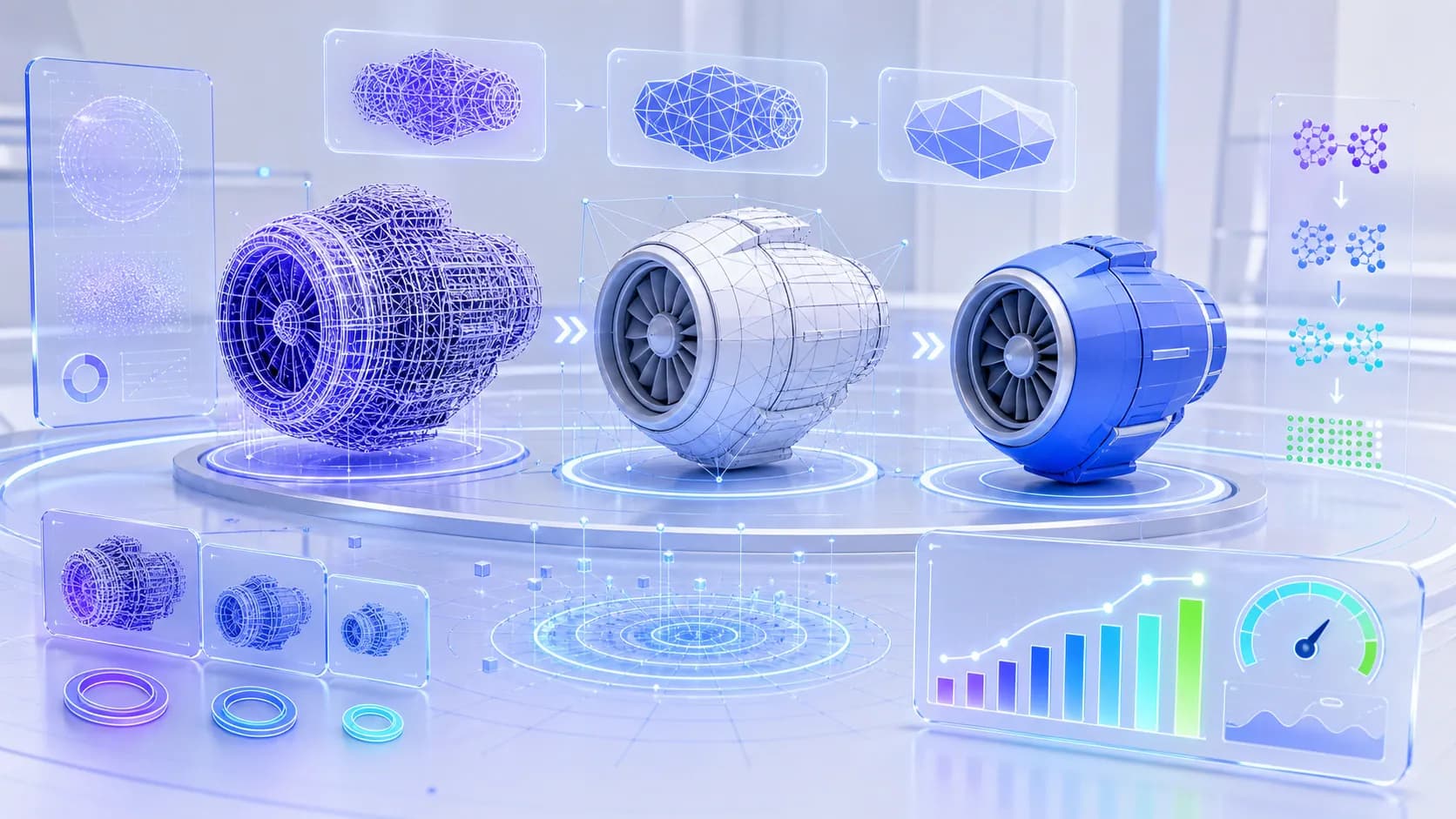
Run generation from your app or backend. The API has REST and streaming endpoints, webhooks, SDKs and batch jobs.
Explore Developer API
Share a project so designers and developers can comment on and review each model. Roles decide who is allowed to edit.
Explore Team Collaboration
Want to see all six on one of your own models? Book a demo with the team.
Contact salesSix reasons to use Outbaksho instead of modeling each asset by hand.
Every generated mesh comes with PBR materials already applied.
Start from a generated mesh and save your modeling time for the final details.
Generate assets suitable for game engines, simulations, visualization, and industrial applications.
Save as FBX for Unreal, STL for a 3D printer or USDZ for an AR viewer.
Use the free Starter plan on your own, then move to Professional or Business when teammates join.
Set access for each project and keep a full audit log of changes.
You bring the idea. Outbaksho builds the model, and you decide what to tweak before exporting the file.
1
Describe your idea using text, an image, or a sketch.
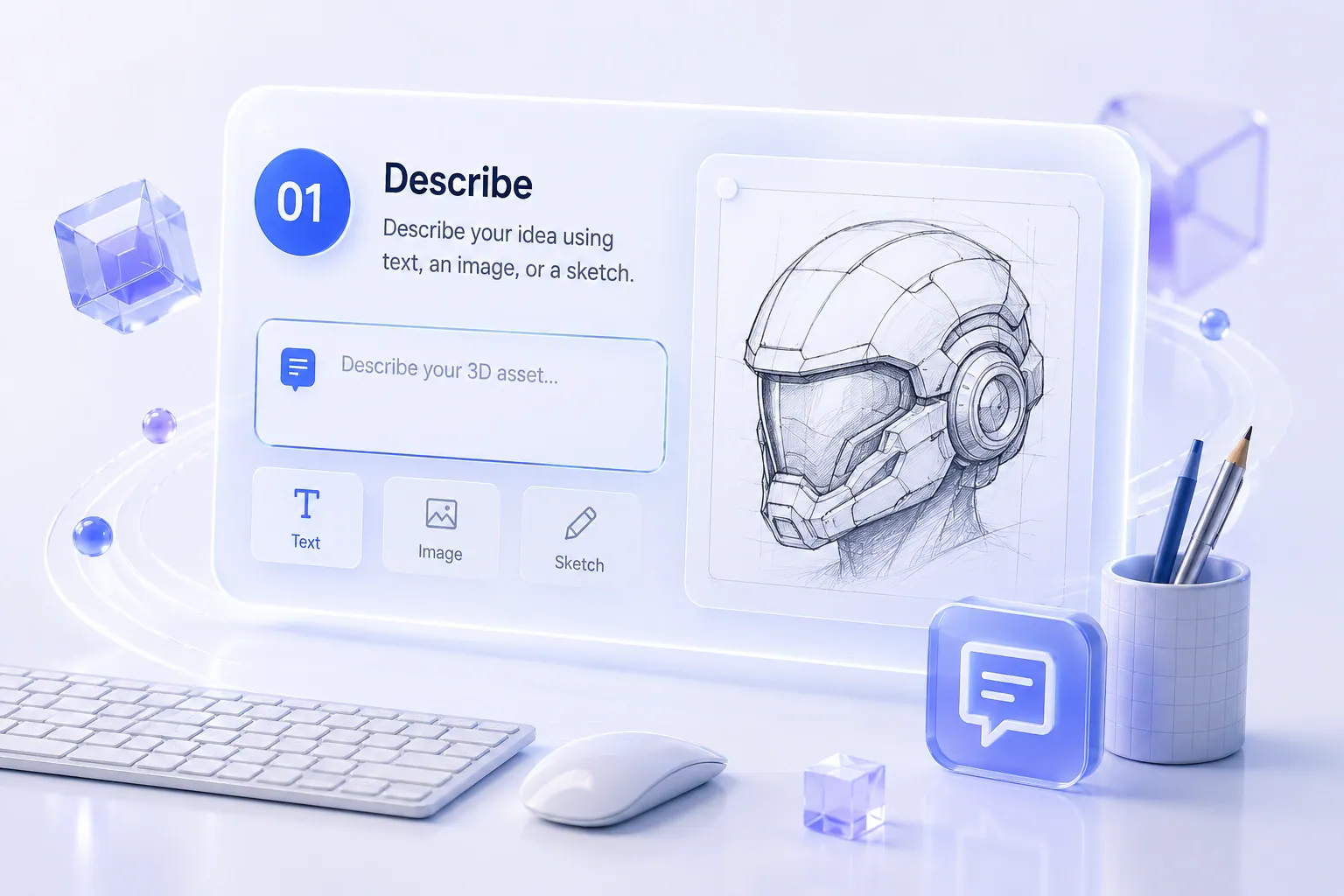
2
The AI builds the mesh and its materials from your input.
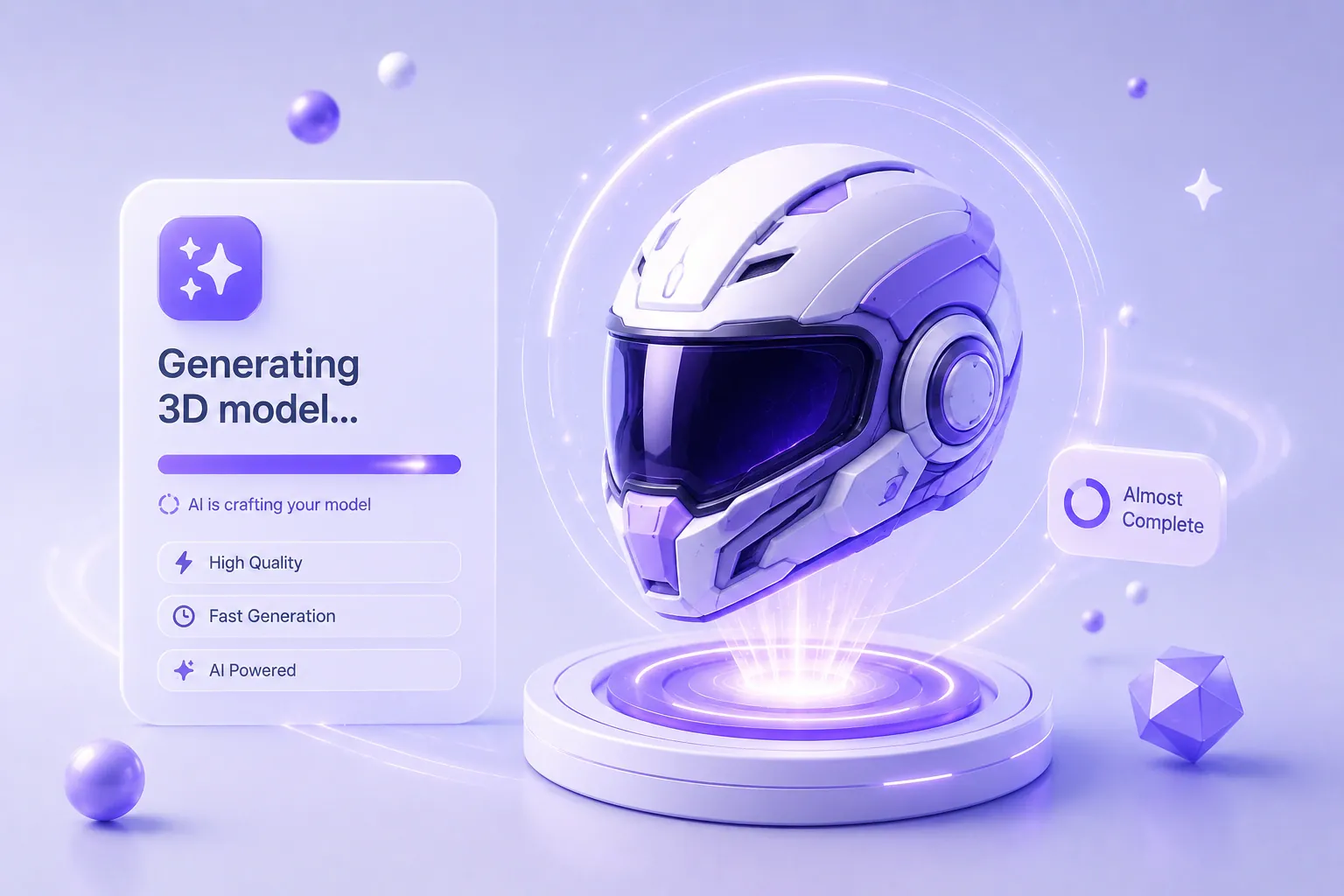
3
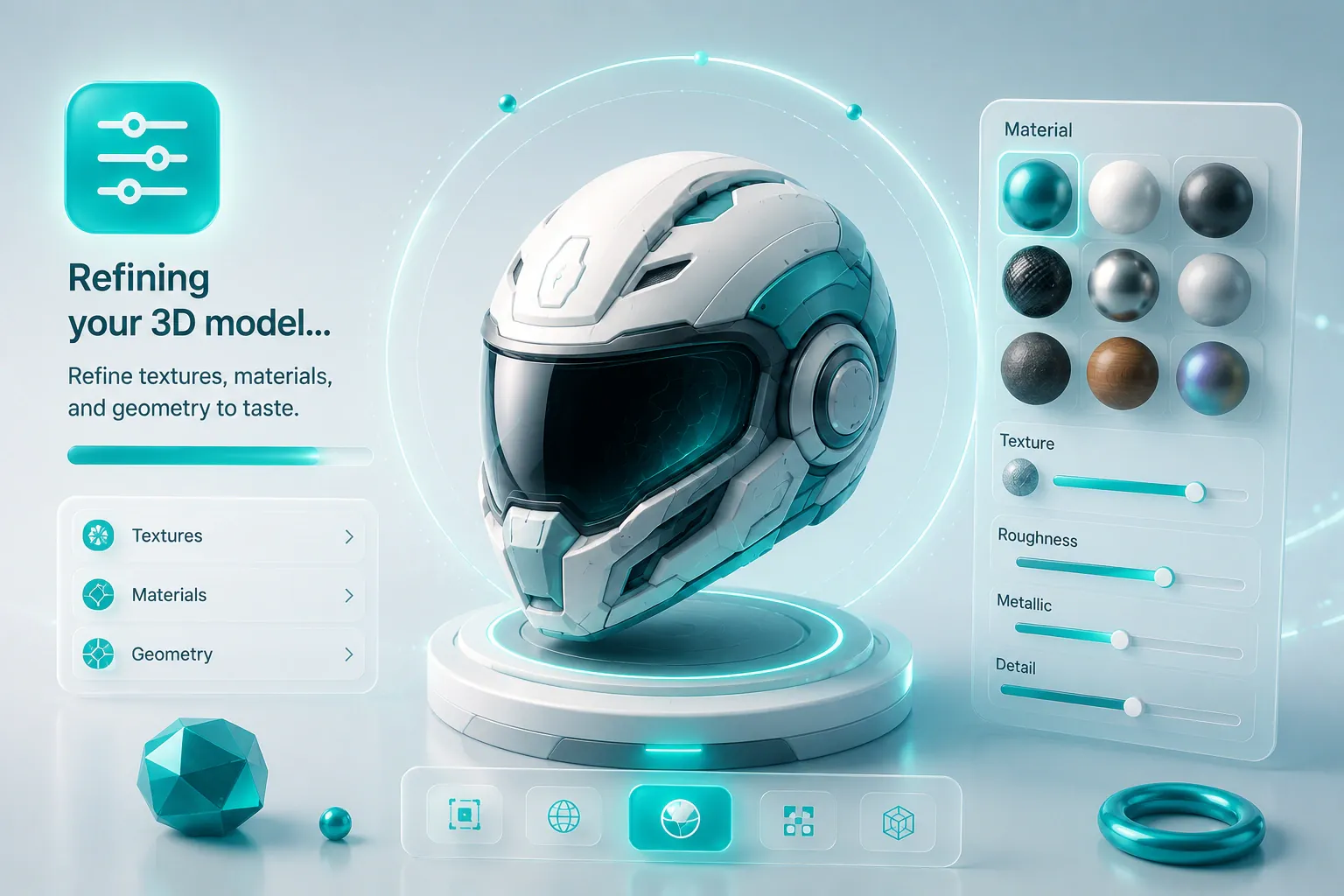
Refine textures, materials, and geometry to taste.
4
Export assets for production or integrate via our API.
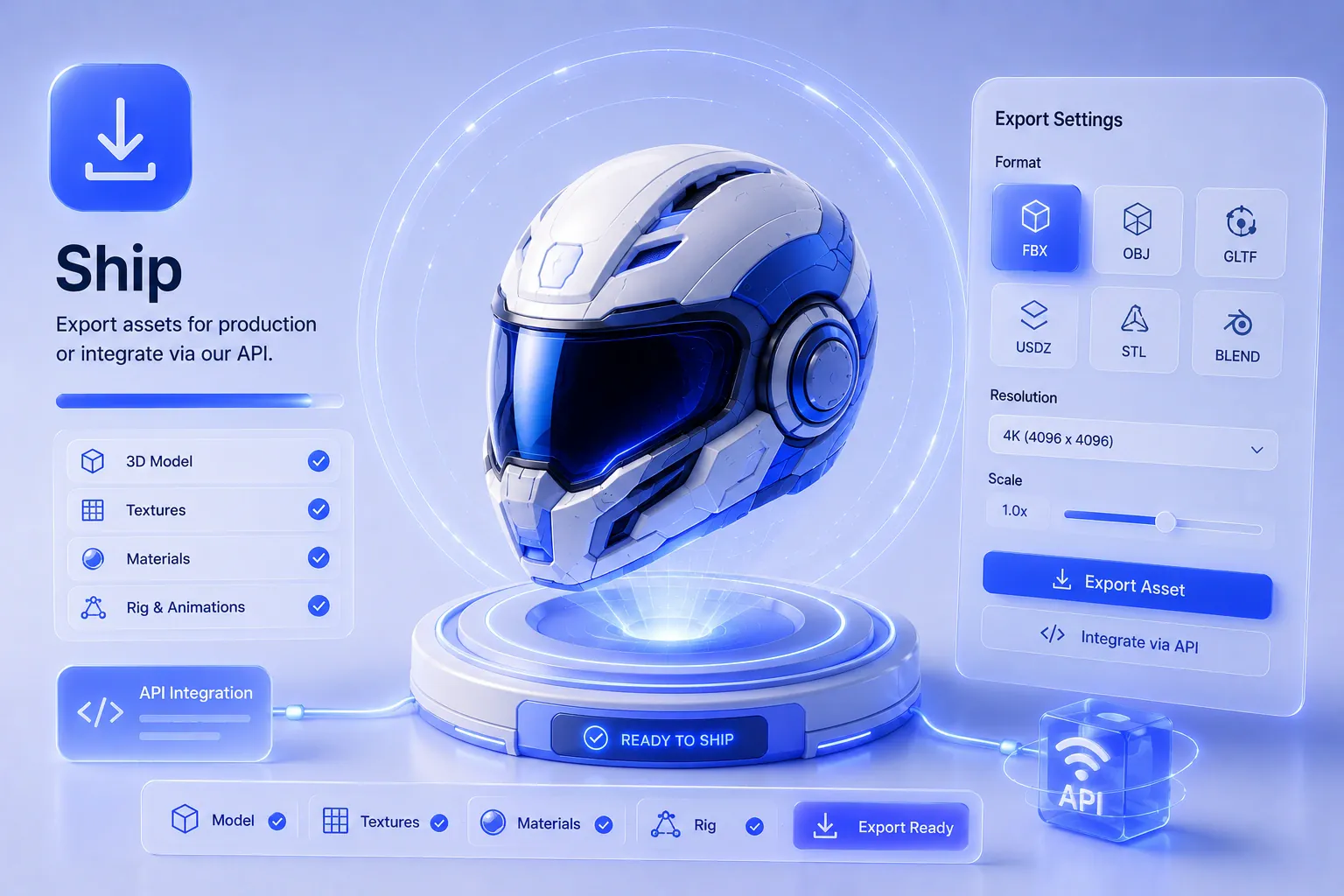
Choose the format your next tool reads, such as GLB for a real-time engine or USD for film work.
Short answers about generating and exporting 3D models with Outbaksho.
Describe a model or upload a photo. Get a textured mesh back in minutes, ready to drop into your game engine or Blender.
No credit card requiredFree tier availableCancel anytime

For game studios, XR teams, architects and manufacturers.