Developer API
REST APIs for 3D Asset Generation from Text and Images
Send a text prompt or an image from your app and get a GLB model back. Each call carries your API key, and a webhook tells you when the job is done.
- REST API
- SDKs
- Webhooks
- Batch Jobs
POST /v1/generate/text-to-3dAuthorization: Bearer YOUR_API_KEYContent-Type: application/json {"prompt": "a futuristic delivery drone","format": "glb"}{"id": "task_7f3a9c2e","status": "PENDING","progress": 0,"modelUrl": null}
Generate and Optimize 3D Models with Outbaksho APIs
The Outbaksho API lets your code generate 3D models from text prompts and images, optimize the meshes and sort the results into projects. Call it from a creative tool, a game, an online store or internal enterprise software. Jobs run in the background, so your app doesn't have to wait while a model generates.
Automate generation
Send prompts or images and collect the finished 3D models.
Optimize on the fly
Reduce polygons, generate LODs, and validate geometry.
Manage workflows
Tag assets with metadata and find them again by project.
RequestJob3D model
Five APIs for 3D assets
Each API has its own endpoint, so your app only calls the ones it needs.
AI 3D Generation API
Generate a 3D model from a text prompt with a single POST request.
- Text-to-3D Generation
- Prompt Enhancement
- Multiple Output Variations
- Background Processing
- Format Selection
/v1/generate/text-to-3d

Image-to-3D API
Convert single images or multi-view captures into editable 3D assets.
- Single Image Conversion
- Multi-View Processing
- AI Shape Reconstruction
- Automatic Mesh Generation
- Material Prediction
/v1/generate/image-to-3d
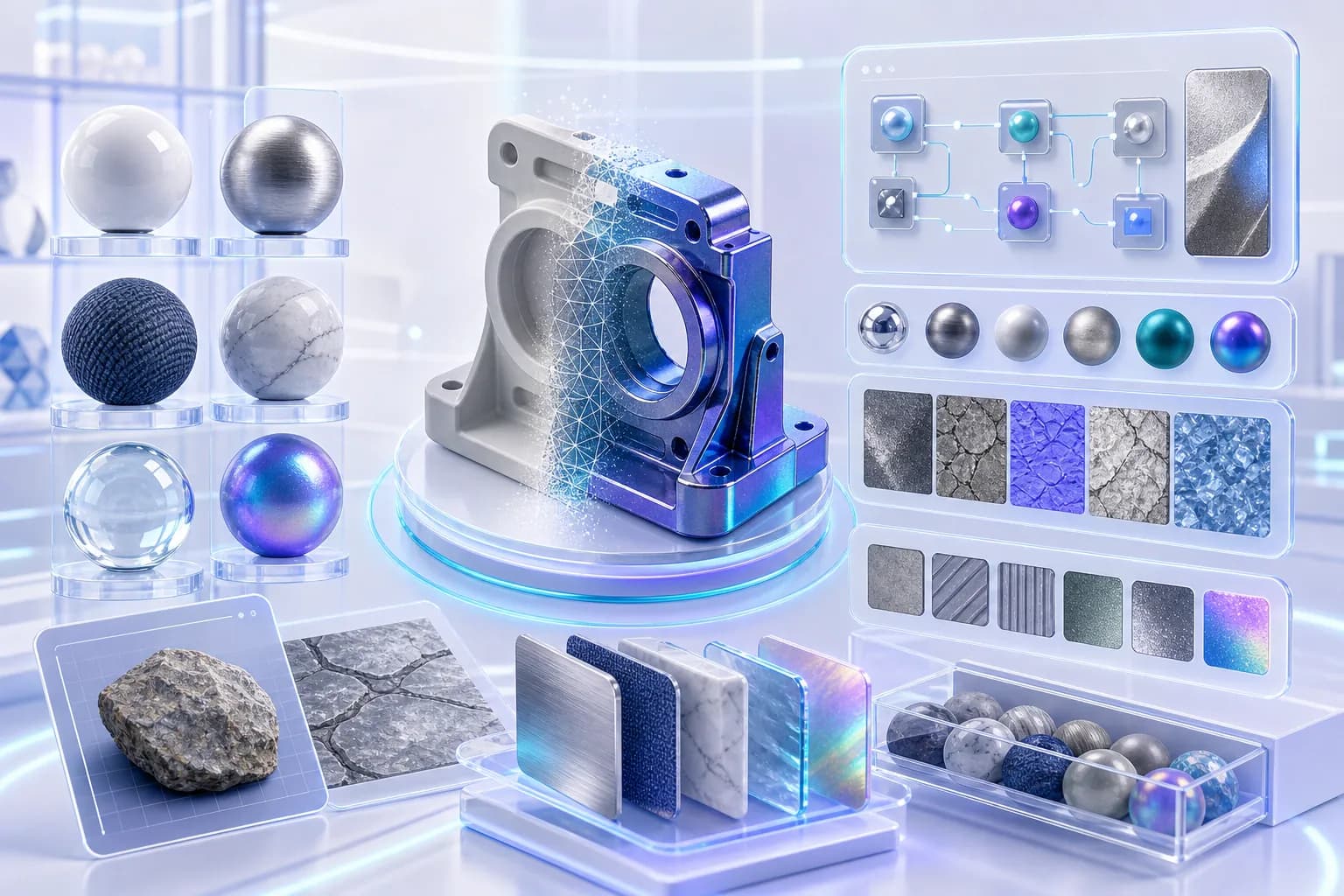
Asset Optimization API
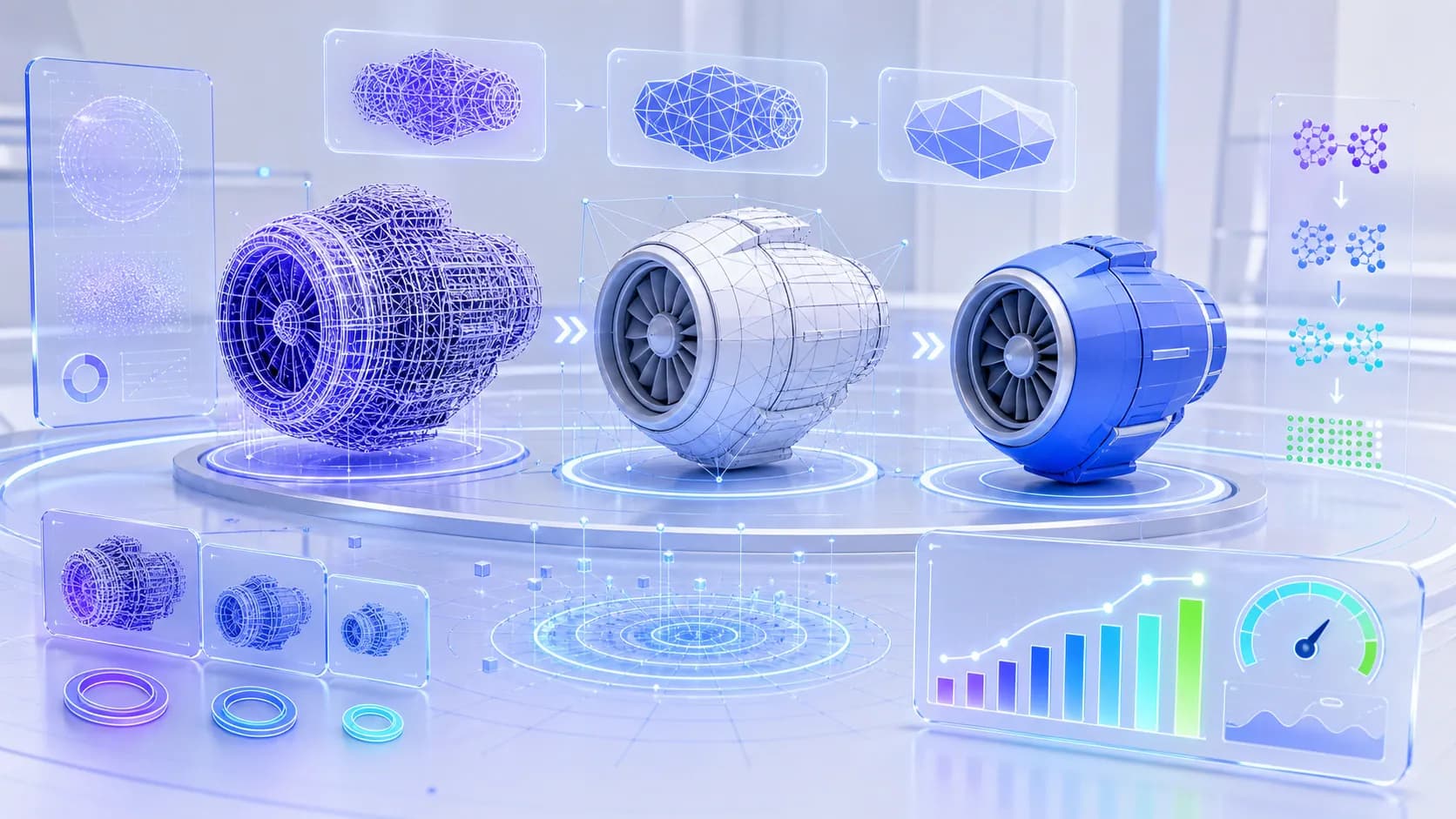
Slim down meshes for Unity, Unreal and other real-time engines.
- Mesh Optimization
- Polygon Reduction
- Auto Retopology
- LOD Generation
- Geometry Validation
/v1/assets/optimize
Asset Management API
Upload assets and organize them into versioned projects.
- Upload Assets
- Organize Projects
- Metadata Management
- Version Control
- Search & Retrieval
/v1/assets

Export API
Export generated assets in multiple industry-standard formats.
- GLB
- GLTF
- FBX
- OBJ
- STL
- USD
- USDZ
/v1/assets/export

Works with your code
REST endpoints and API key auth, plus batch requests, async jobs, webhooks and SDKs.
RESTful API
Standard HTTP methods with JSON requests and responses.
Secure Authentication
Authenticate each request with your API key in the Authorization header.
Batch Processing
Generate and optimize multiple assets in a single request.
Asynchronous Jobs
Handle large generation tasks with background processing and job status tracking.
Webhooks
Receive real-time notifications when AI generation or export tasks complete.
SDK Support
Official SDKs for Python, JavaScript, Node.js, Java and Go, plus code examples.
Sign up to first asset
Create an account, make an API key, call the endpoints and export the model you get back.
1
Create your account
Sign up for an Outbaksho developer account to get started.
2
Generate credentials
Create your API key from the developer dashboard.
3
Integrate endpoints
Wire the API endpoints into your application.
4
Generate & export
Generate, optimize, and export 3D assets programmatically.
Start with these REST routes
Generation calls return a job ID. Check its status with the jobs route, or wait for the webhook.
https://api.outbaksho.com- POST
/v1/generate/text-to-3dGenerate 3D Model - POST
/v1/generate/image-to-3dConvert Image to 3D - POST
/v1/assets/optimizeOptimize Asset - POST
/v1/assets/exportExport Asset - GET
/v1/jobs/{job_id}Check Job Status
What you can build with it
Every use case below calls the same endpoints. What differs is mostly the prompt and the export format.

Game Development
Automate the generation of characters, environments, props, and game-ready assets.
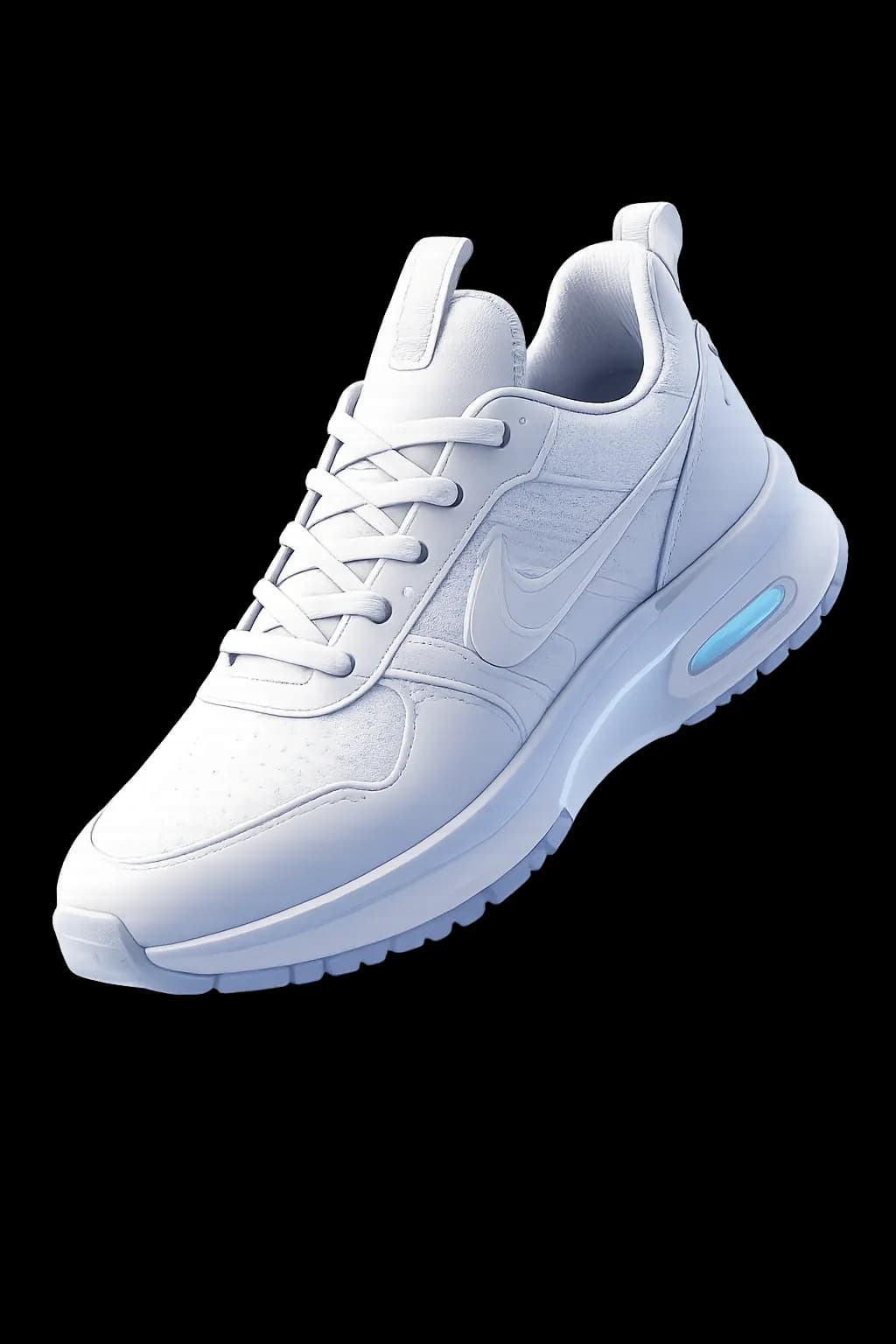
E-Commerce
Create interactive 3D product models for online stores.

Architecture
Generate architectural concepts and visualization assets.

Robotics & Simulation
Produce optimized assets for digital twins and simulation environments.

AR / VR / XR
Export GLB models for WebXR or USDZ for Reality Composer.

Enterprise Applications
Run 3D generation inside your internal design and manufacturing tools.
What the API includes
API access starts on the Professional plan, batch processing on Business.
Eight things you can count on when you call Outbaksho.
- RESTful architecture
- Secure API authentication
- Generation from text or images
- Cloud-hosted, no servers to run
- Batch processing support
- Endpoint reference and code examples
- Private deployment on Enterprise
- Standard 3D export formats

Developer questions
API access, docs, rate limits and export formats, each in a sentence or two.
Make Your First Call to the Outbaksho API
Add text-to-3D and image-to-3D generation to your product. The quickstart needs only an API key and a prompt.
5 endpointsREST + SDKsAsync jobs
curl -X POST https://api.outbaksho.com/v1/generate/text-to-3d \
  -H "Authorization: Bearer YOUR_API_KEY" \
  -H "Content-Type: application/json" \
  -d '{"prompt": "a futuristic delivery drone", "format": "glb"}'

{"id": "task_7f3a9c2e", "status": "PENDING", "progress": 0, "modelUrl": null}- REST API
- Webhooks
- Secure auth
- Batch jobs