Outbaksho platform
The Complete AI Platform for 3D Asset Creation
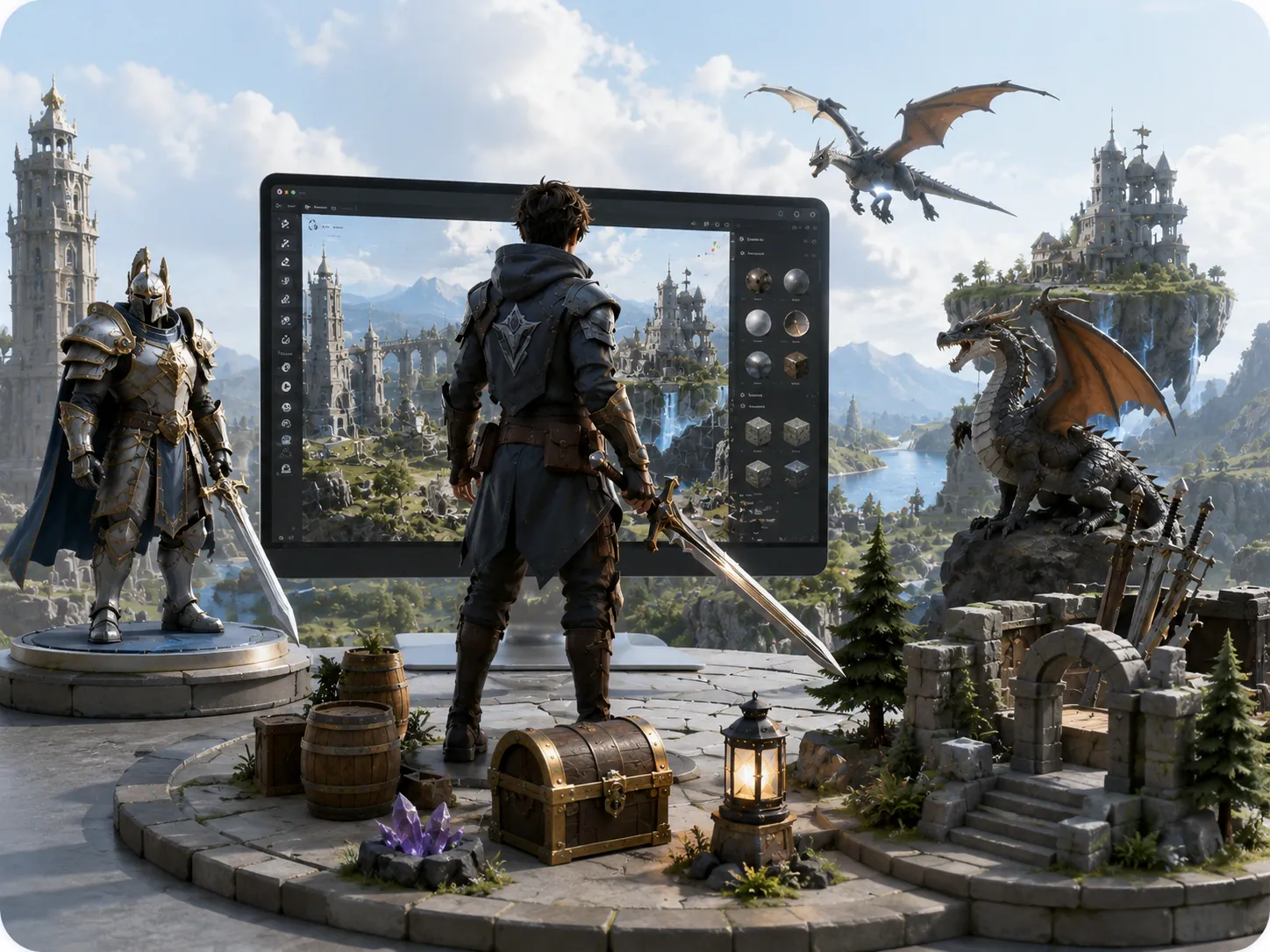
Generate production-ready 3D assets with AI. Start from a text prompt or a reference image, refine the model in the 3D Studio and export it as GLB, FBX, OBJ or USDZ. Developers can call the same generator through the API.
- Text-to-3D
- Image-to-3D
- PBR Materials
- Mesh Optimizer
- Developer API

What the Platform Does
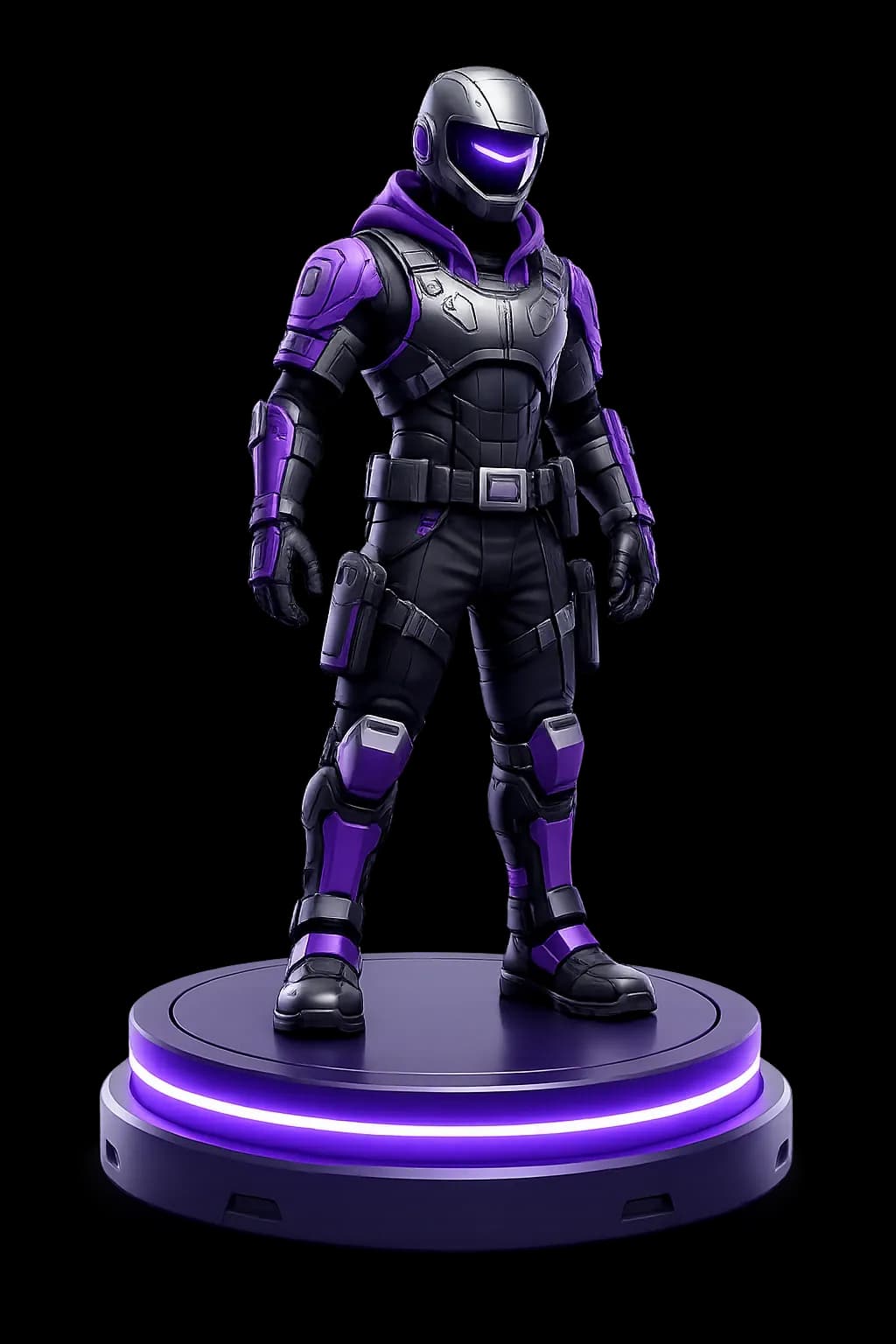
Outbaksho pairs generative AI with automatic LOD and polygon reduction, plus a REST API for developers who want to run generation from their own tools. Use it for game environments, architectural visualisation, product prototypes or XR scenes.
Generate
Text, image or sketch input becomes detailed 3D geometry.
Refine
Adjust materials, topology, and composition in one studio.
Optimize
Auto LODs and lightweight variants for real-time engines.
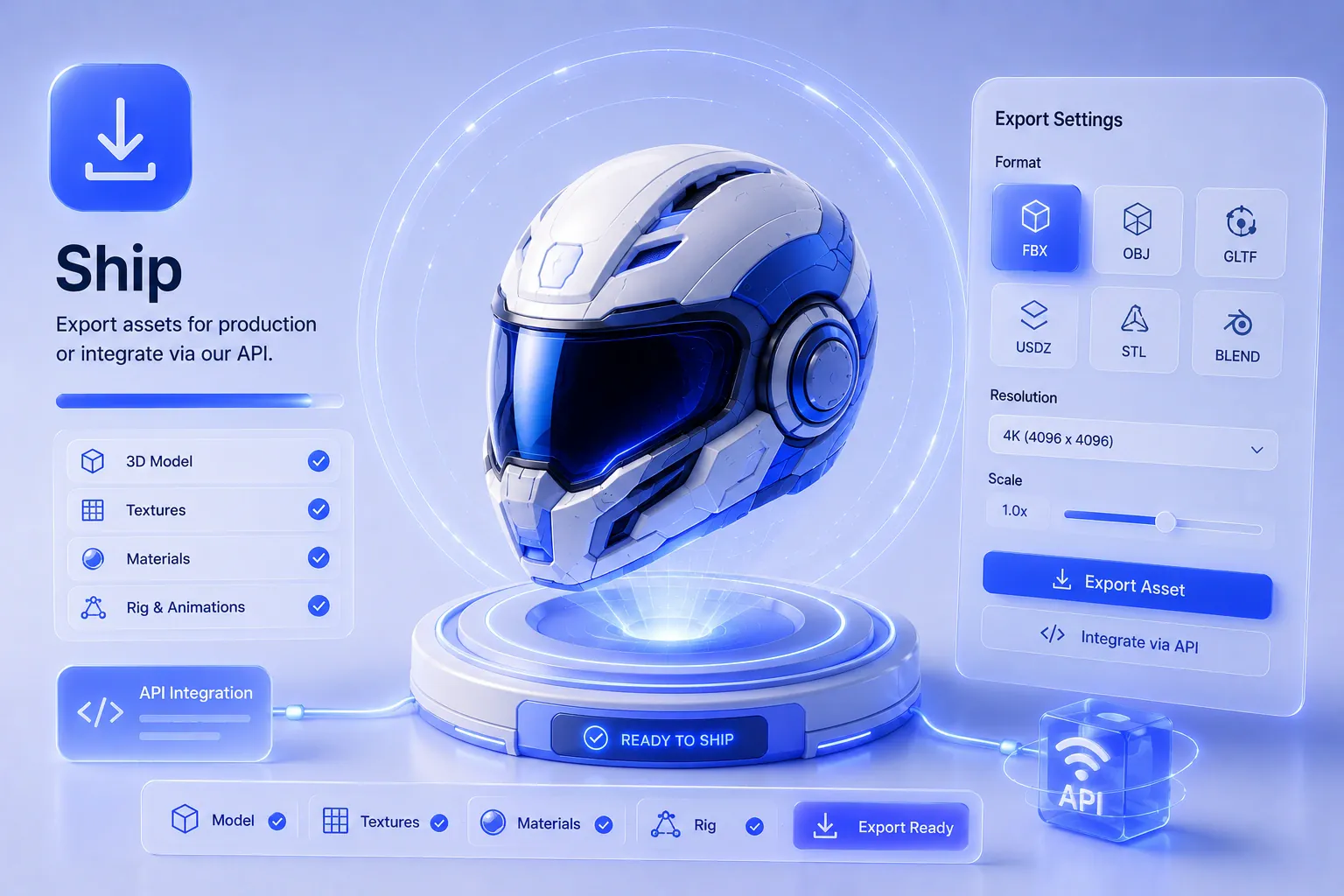
Ship
Pick an export format, or fetch models through the REST API.
The six modules that make up Outbaksho
Two generators (text and image), the 3D Studio, PBR texturing, mesh optimization and a developer API, each covered below.
AI 3D Generator
Write what you want in a text prompt and the generator makes a detailed 3D mesh to match. The mesh comes out clean, ready to texture and edit in the 3D Studio or in Blender.
- Text-to-3D
- Prompt Enhancement
- Multi-Style Generation
- High-Resolution Output
- Production-Ready Models

Image-to-3D
Upload a photo, a product shot, concept art or an illustration to use as the starting point for a 3D model. With several views of the same object, multi-view reconstruction picks up more of its shape and surface detail.
- Single Image Conversion
- Multi-View Reconstruction
- Surface Refinement
- AI Geometry Generation
- Automatic Mesh Creation

3D Studio
Open any generated asset to edit it, then file it into a project. Projects keep their scenes and materials along with full version history, and teammates can edit alongside you live.
- Asset Editor
- Scene Management
- Material Assignment
- Project Organization
- Version History
AI Texture & Material Generator
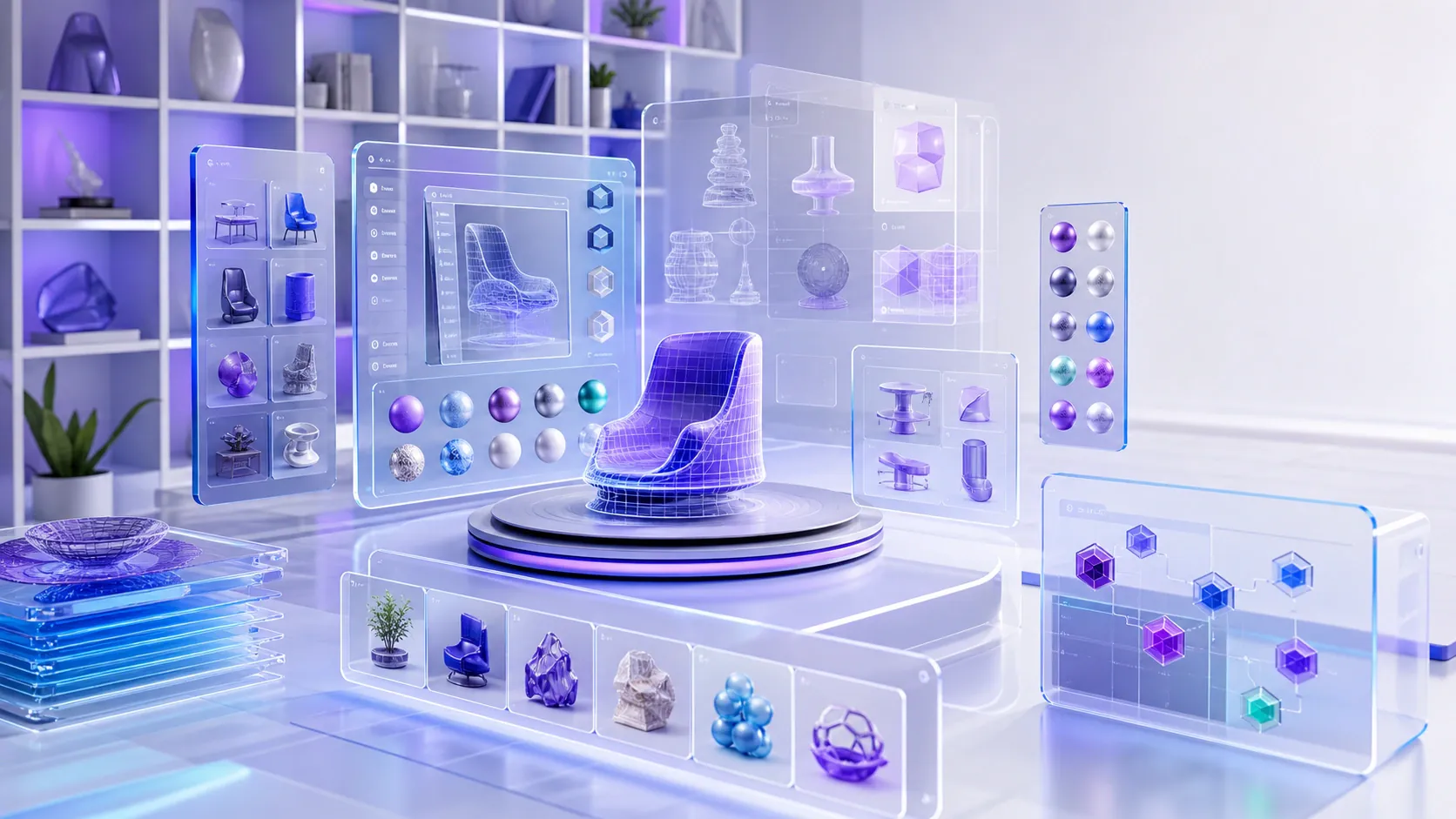
Generate realistic textures and PBR materials for your models. Albedo, roughness, metallic and normal maps are made as one matched set, so they line up without manual tweaking.
- AI Texture Creation
- PBR Material Generation
- Material Variations
- Surface Enhancement
- Texture Upscaling
Asset Optimization
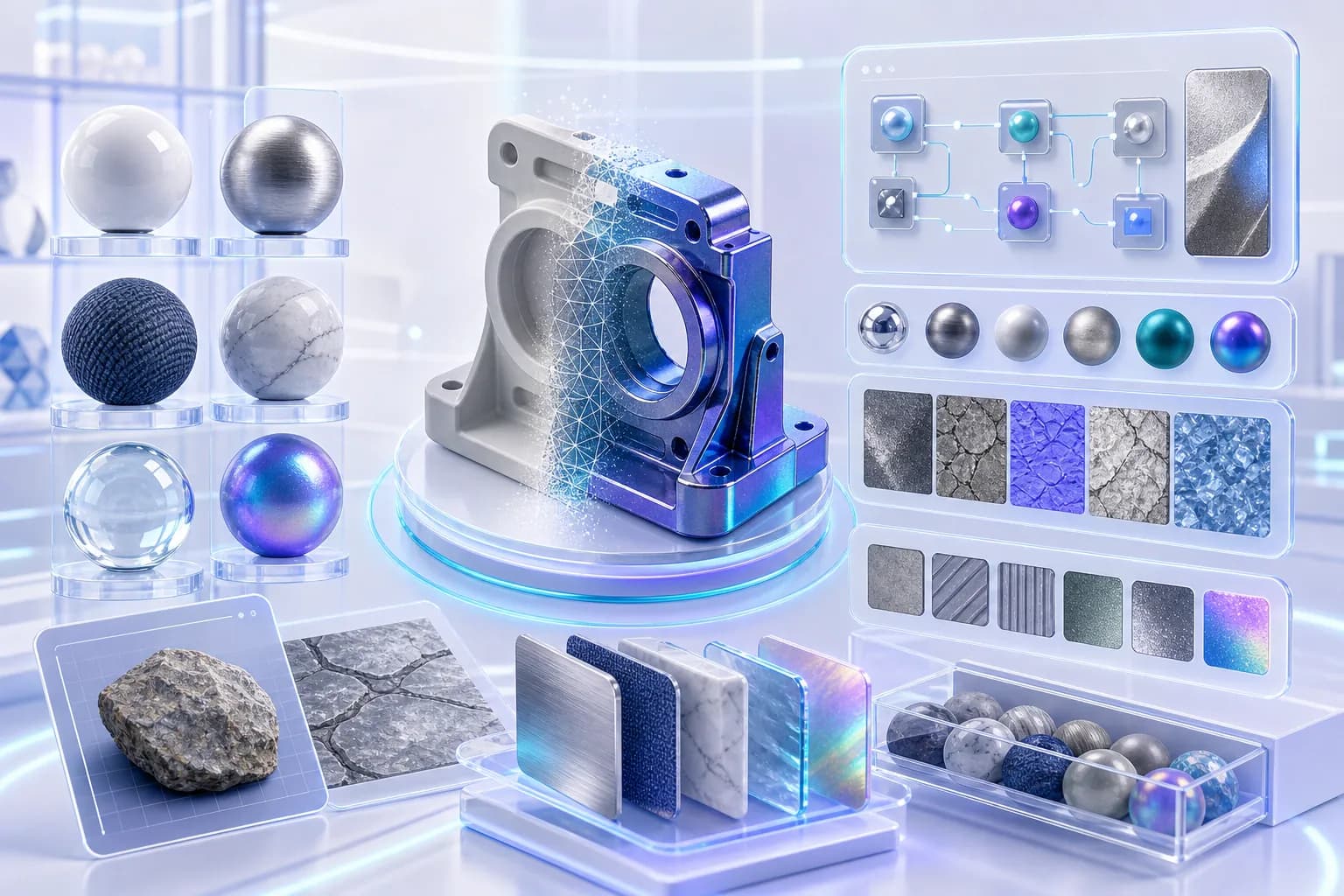
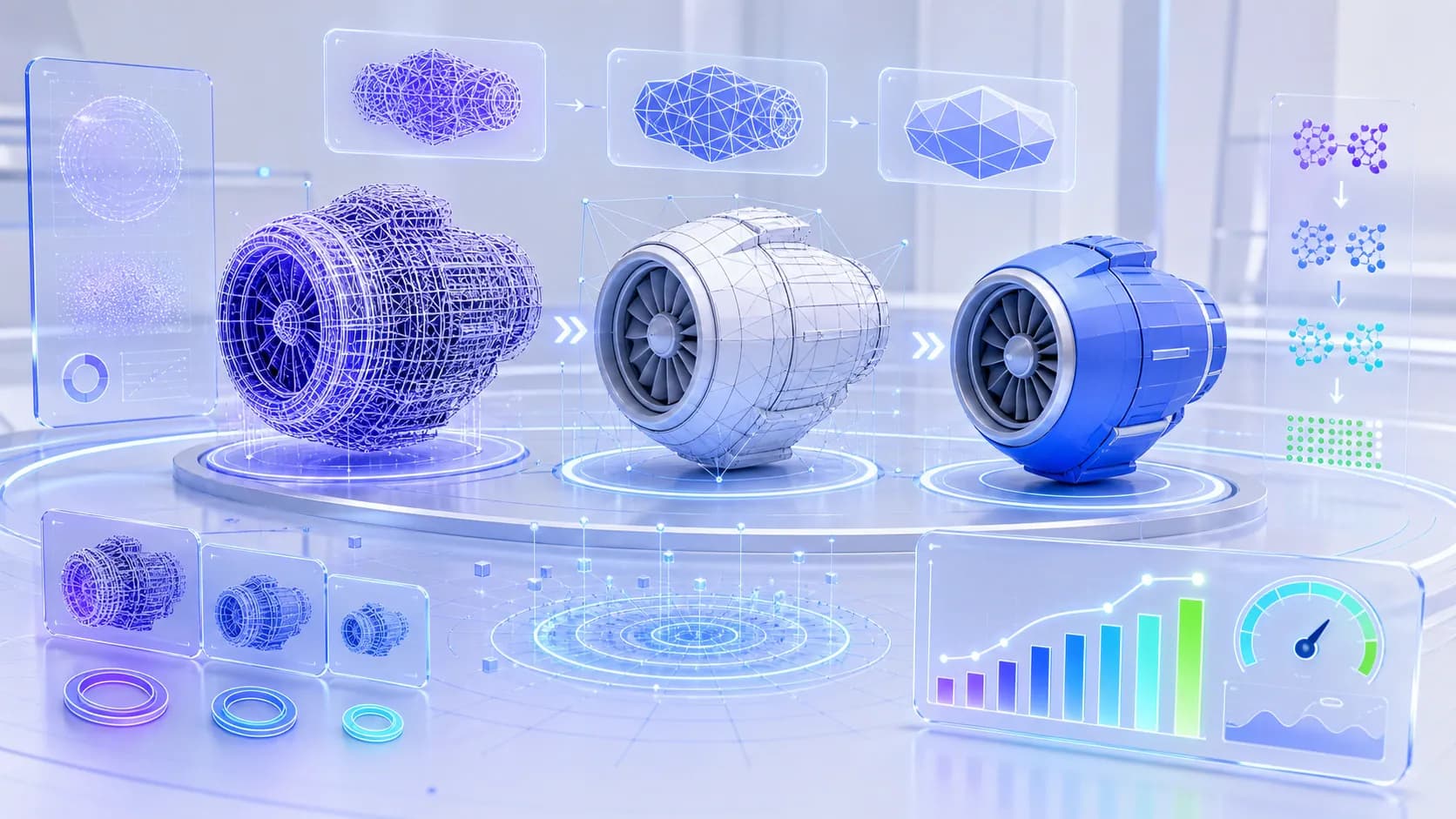
Get assets ready for real-time engines. Outbaksho generates LODs and cuts the polygon count automatically, then optimizes the UVs and shows performance stats for the result.
- Mesh Optimization
- Polygon Reduction
- UV Optimization
- LOD Generation
- Performance Analysis
Developer API
Use Outbaksho's generator inside your own apps and pipelines. The REST API covers text-to-3D, image-to-3D, optimization and export, with official SDKs, streaming batch jobs and webhook events on top.
- REST API
- Authentication
- Batch Processing
- Webhooks
- SDK Support

How a Model Gets Made
Generation takes a few minutes. How long the other three steps take is up to you.
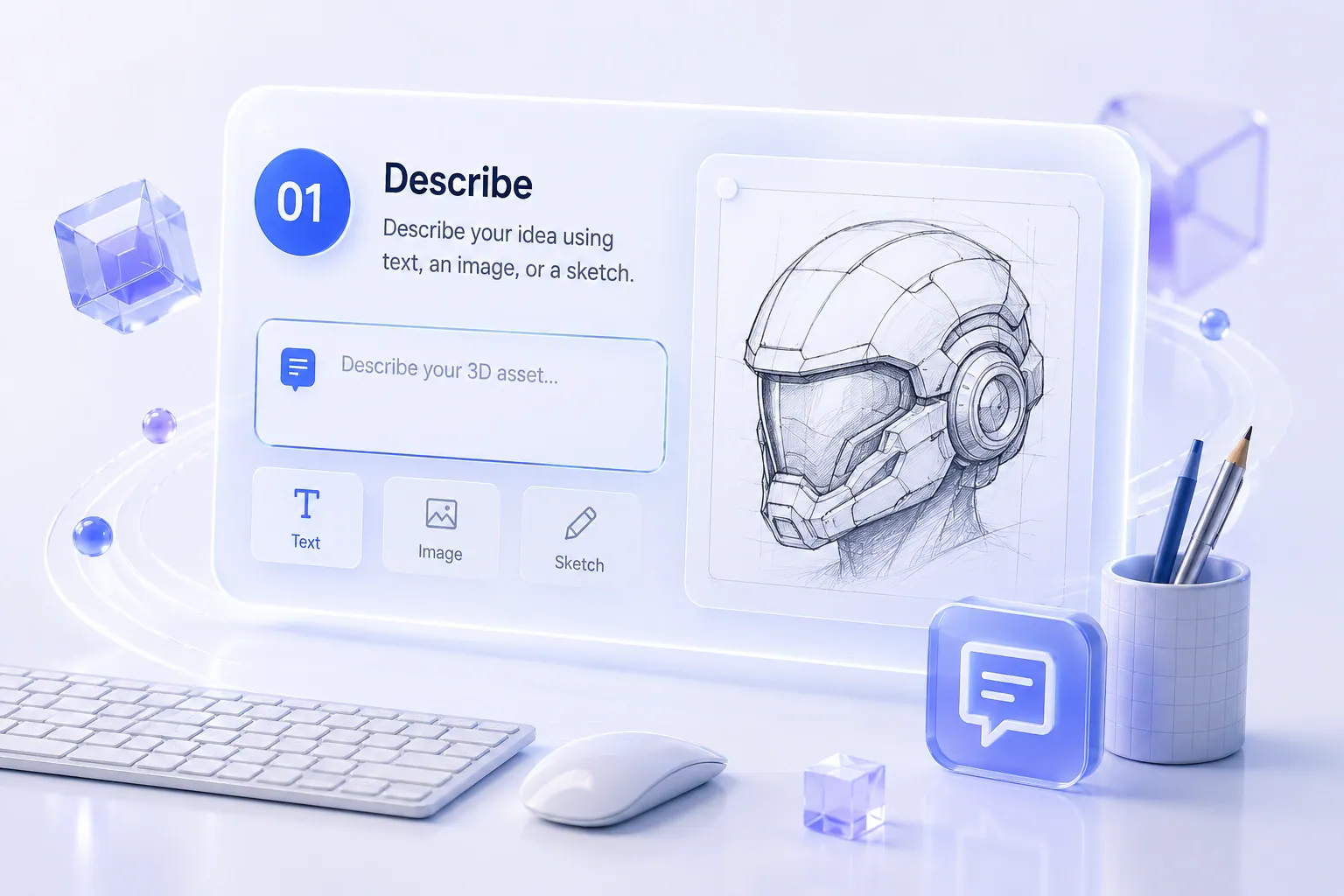
1
Start with an idea.
Enter a text prompt or upload a reference image.
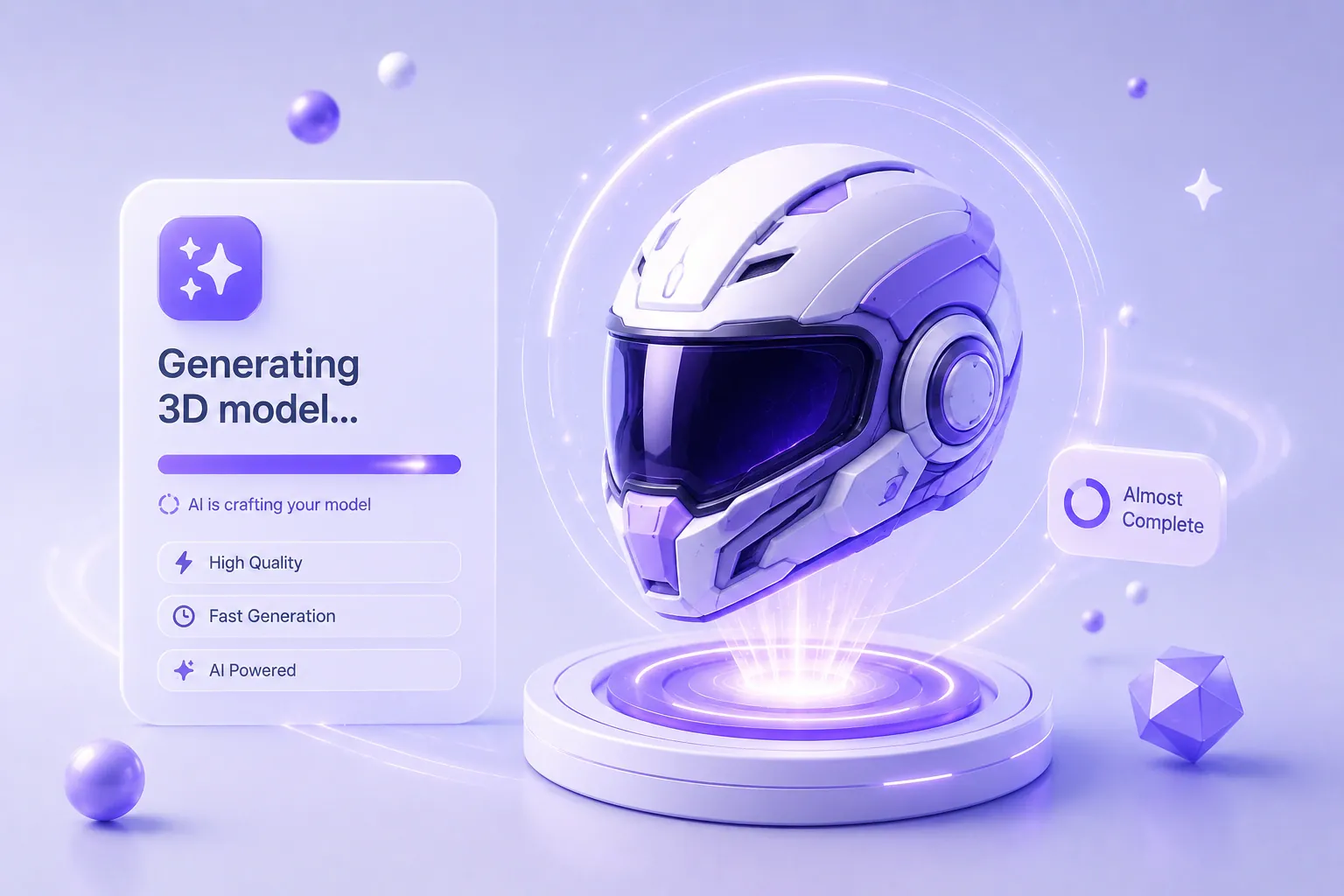
2
Let AI build the mesh.
AI creates a detailed 3D model with optimized geometry.
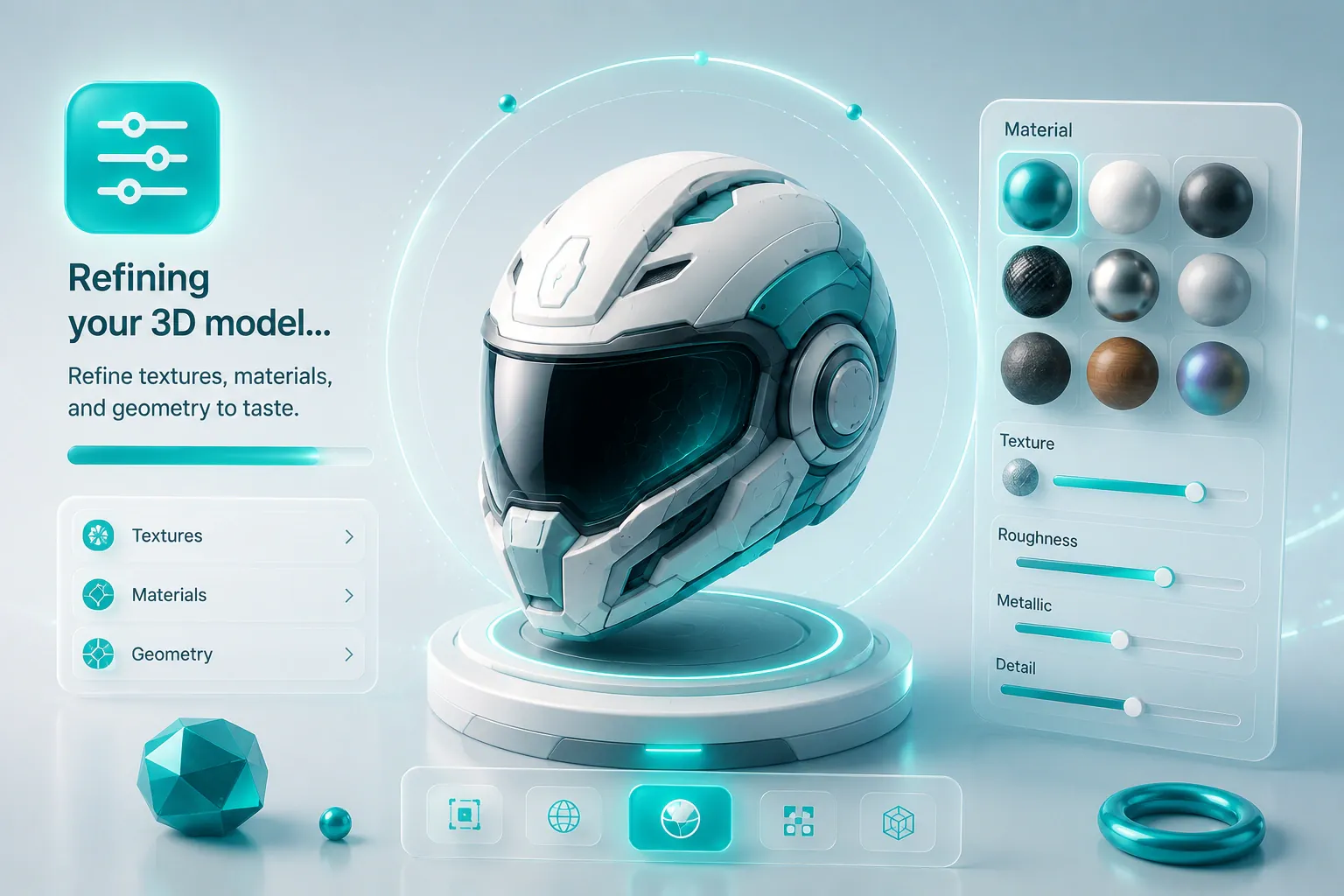
3
Polish in the 3D Studio.
Adjust textures, materials, and mesh quality within the 3D Studio.
4
Ship anywhere.
Download the file for your engine or 3D app. Developers can pull it through the API instead.
Supported Export Formats
Export to seven formats. OBJ and FBX suit most 3D apps, and USDZ works with Reality Composer.
- GLBReal-time · Web · GamesRecommended
- GLTFUniversal · Web
- FBXRigging · DCC
- OBJGeometry
- STL3D Printing
- USDFilm · Layout
- USDZAR · Quick Look
Compatible with
- Unreal
- Unity
- Blender
- three.js
- WebXR
- Reality Composer
Where the platform is used
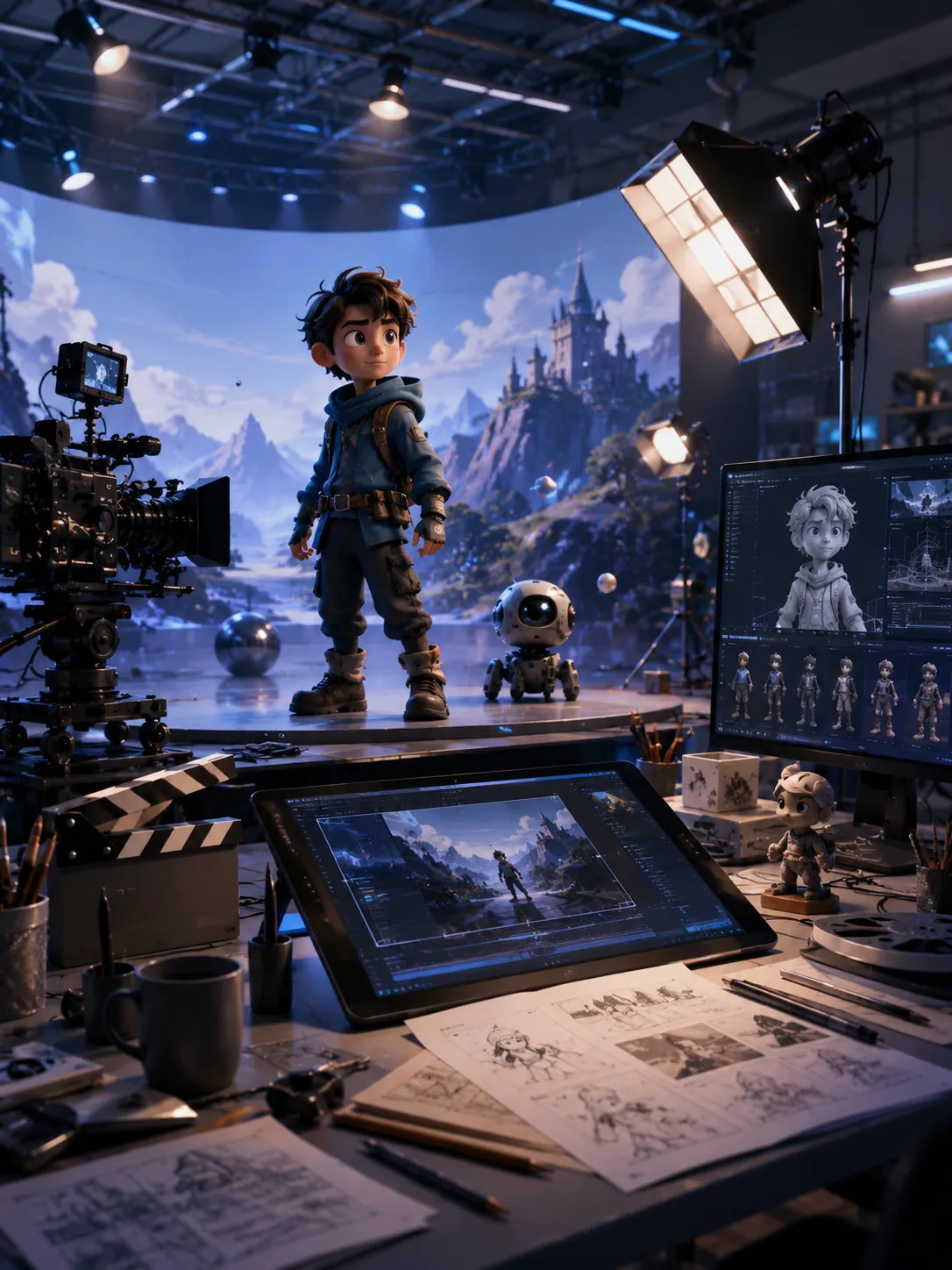
Six fields, each tagged with the two export formats it tends to use. Gaming, for example, gets GLB and FBX.




Try Outbaksho on your next model, right in the browser.
Why teams pick Outbaksho
The short version: clean models, less blockout work, an API for developers and role-based access for teams.
End-to-End AI Platform
Generate and edit in the same workspace, so files never move between tools before export.
Detailed Outputs
Each model comes with clean geometry and texture maps, the kind game engines and renderers expect.
Faster Production
The generator makes the base shape, so your hours go into the finishing work.
Any Team Size
Works the same for a solo creator making one prop as for a studio running batch jobs through the API.
Developer Friendly
REST endpoints, SDKs and webhooks, so generation can run inside the product you're building.
Enterprise Security
Role-based access lets you decide who on your team can open or edit each project.
Quick answers about Outbaksho
What you can make, whether you need 3D experience, the API and supported file formats.
Turn Your Next Prompt into a 3D Model
Generate your first model on the free plan, then take the finished file into Unity, Unreal or Blender.
25 free generations a monthCancel anytimePay by card or UPI
- Text-to-3D
- Image-to-3D
- GLB / FBX / OBJ
- Developer API